The working desk
USB4 at 80 Gbps: The Port Still Does Not Tell the Whole Story
Host, cable, dock and device each set a limit. Learn which labels and workload tests make an 80 Gbps connection worth buying.

The latest issue and earlier editions: thoughtful comparisons, practical explainers and product edits for modern living.
Find the story behind your next choice.
AI note apps, everyday technology and the practical details behind better choices.
Host, cable, dock and device each set a limit. Learn which labels and workload tests make an 80 Gbps connection worth buying.
The new 96 Gbps ceiling and Ultra96 cable have a place. Start with the source, display mode and complete signal chain before replacing anything.
Sub‑1 GHz Wi‑Fi trades headline speed for reach and low power. The useful question is whether the endpoint, gateway and support model form a complete system.
A 40+ TOPS NPU qualifies a Windows machine for Copilot+ features. Your real workload may still depend more on RAM, GPU support and software compatibility.
Power, data and video are separate capabilities hiding behind the same connector. Read the certified labels before trusting one cable with an expensive setup.
A camera, display and AI assistant can sit on your face. Comfort, social signaling, battery life and software support decide whether they belong there.
Emergency contact, roadside help, location sharing and ordinary messages are different services. Prepare before the road loses signal.
The private key stays with your device or credential manager. Before deleting passwords, make sure you understand sync, recovery and account boundaries.
Bluetooth audio is moving beyond one phone and one pair of headphones. Compatibility, privacy and venue adoption will determine the experience.
The headline number belongs to a specific display-heavy mode. Start with monitors, storage and host support before paying for the dock.
Cameras, closures, soil sensors and energy data expand the standard. Certification and ecosystem support still decide what works on day one.
The new charging tier raises wireless power to 25 watts. A complete setup still depends on the phone, charger, case and power adapter.
Multi-Link Operation, 320 MHz channels and 4K QAM sound decisive. The real upgrade question begins with your devices, layout and internet service.
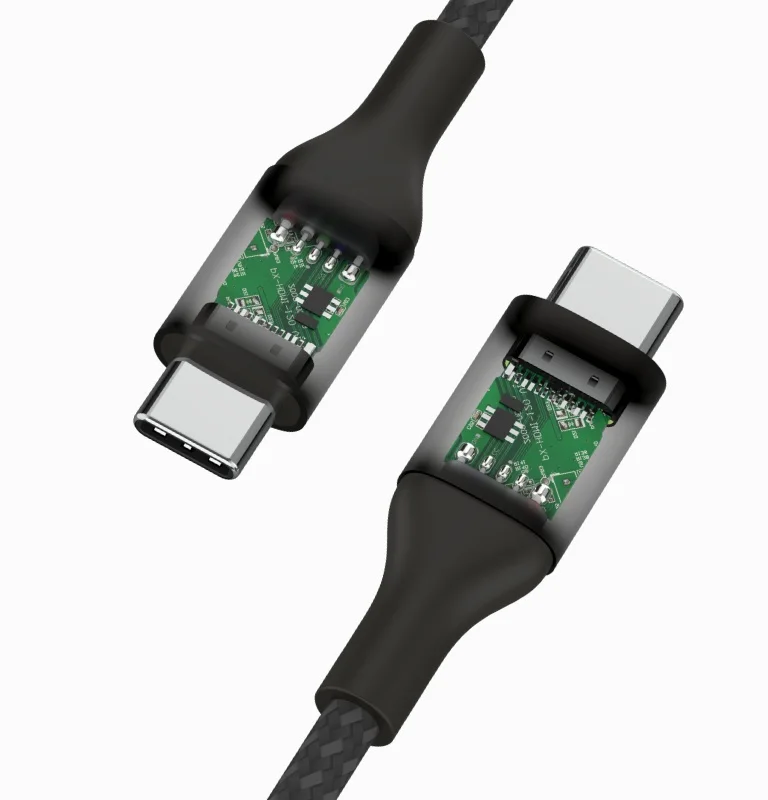
A 240W label does not mean a fast SSD or a working monitor. Read power, transfer speed and display support separately.
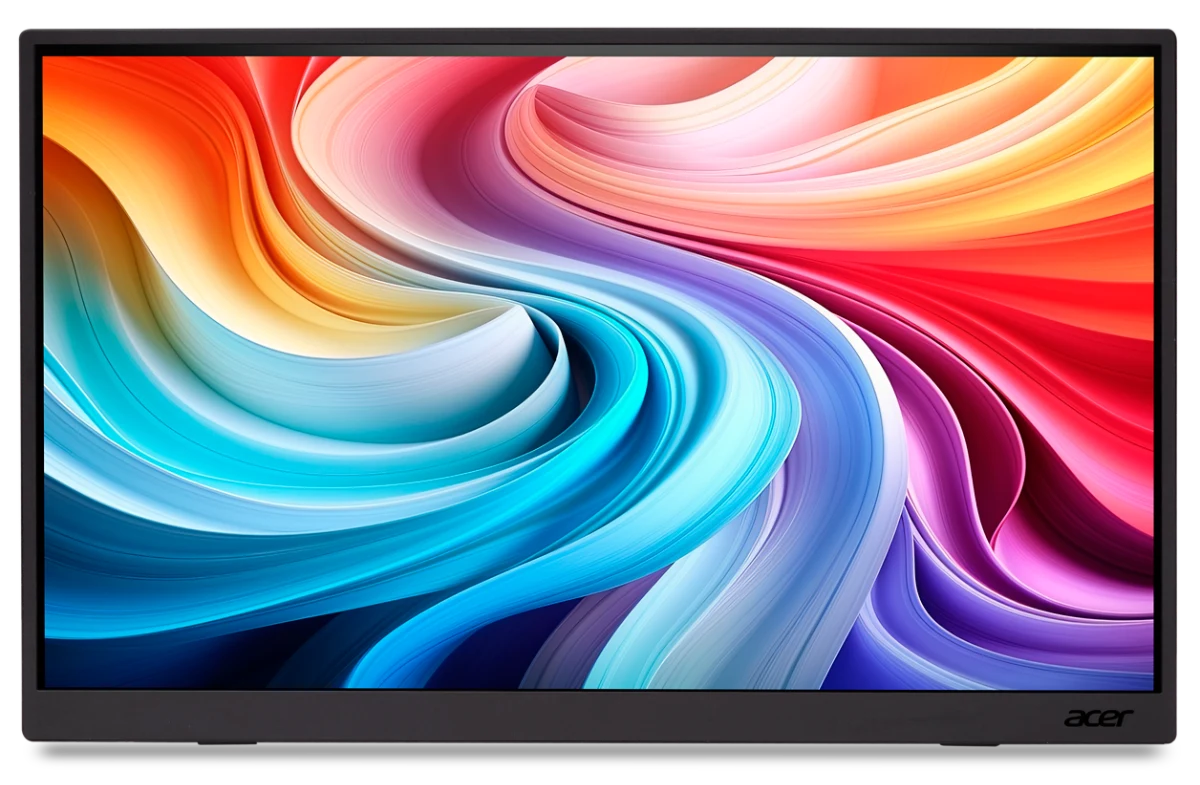
Trace the picture and the power separately, using the Acer PM191Q as a concrete example before you buy another cable.
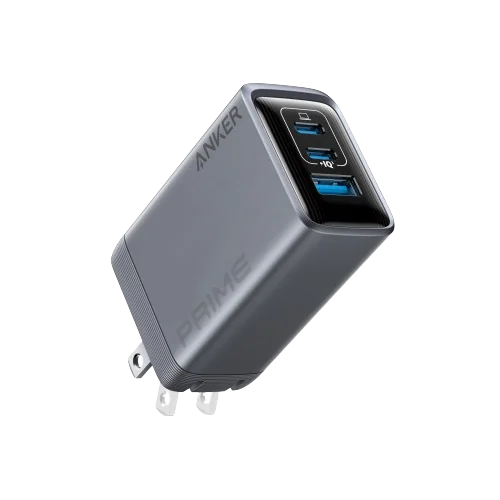
The plug fitting is only one part of a safe travel charging kit. Check voltage, grounding and the exact device before departure.
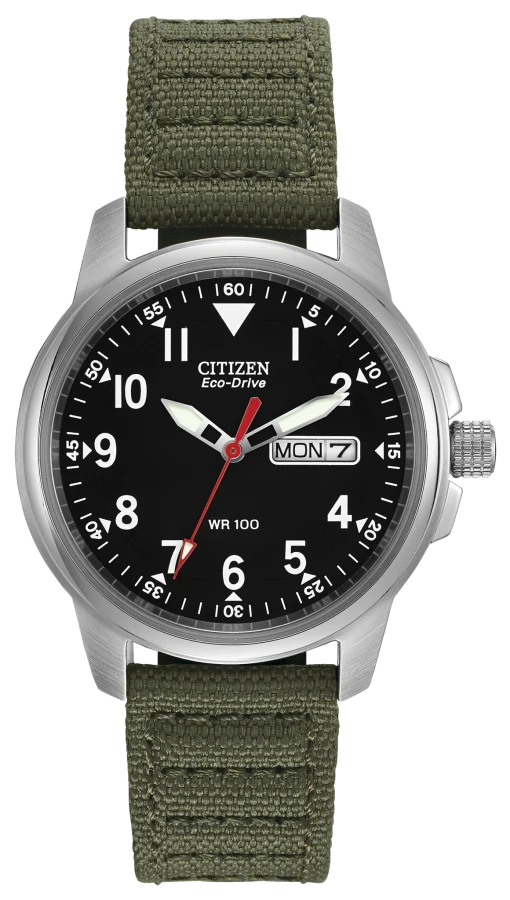
Go beyond the depth marking: the exact reference, intended activity, crown, strap and condition guide the decision.
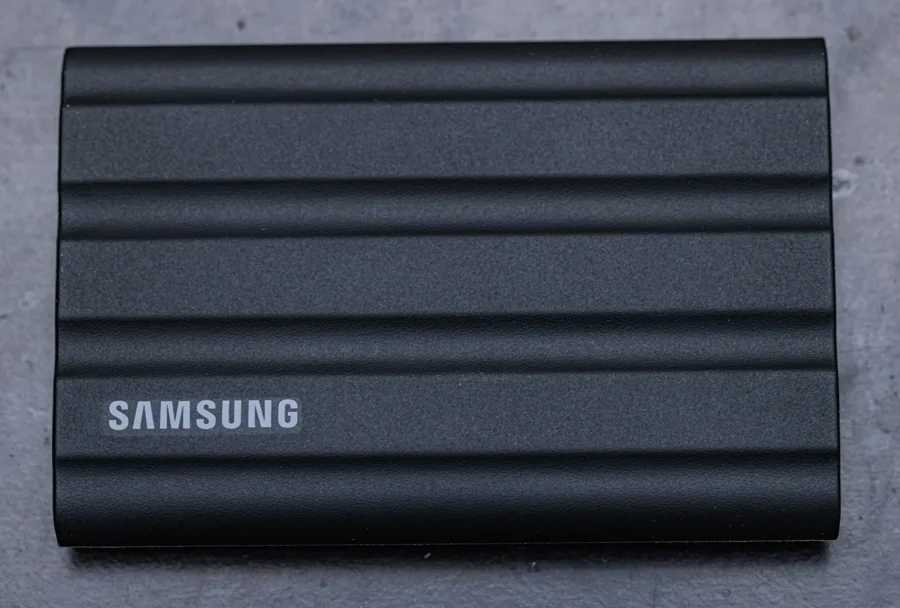
More storage is not automatically a second copy. Choose capacity, a backup method and a restore test before paying for speed.
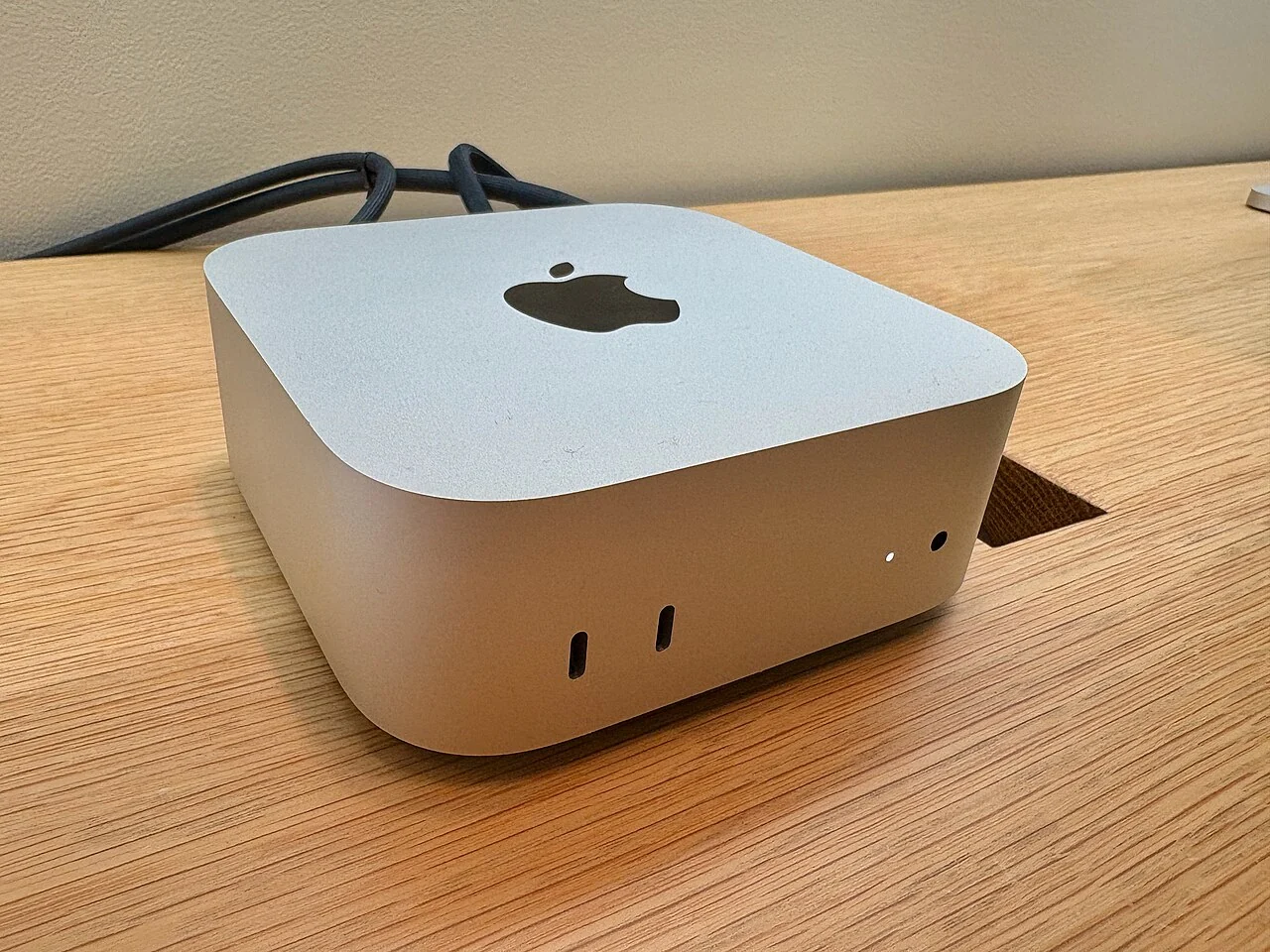
Check retrieval, offline behavior and source accuracy with a small trial before buying a dedicated AI computer.

Choose by the work you need to do: voice writing, meeting follow-up or a lasting library. A practical shortlist without invented accuracy rankings.

Compare everyday dictation, meeting follow-up, privacy and exports before choosing another subscription.

Cloud convenience, local transcription and the correction work that matters more than a headline speed claim.
Start with the phone you already carry, then compare the dictation, meeting and sharing work a paid app would need to improve.
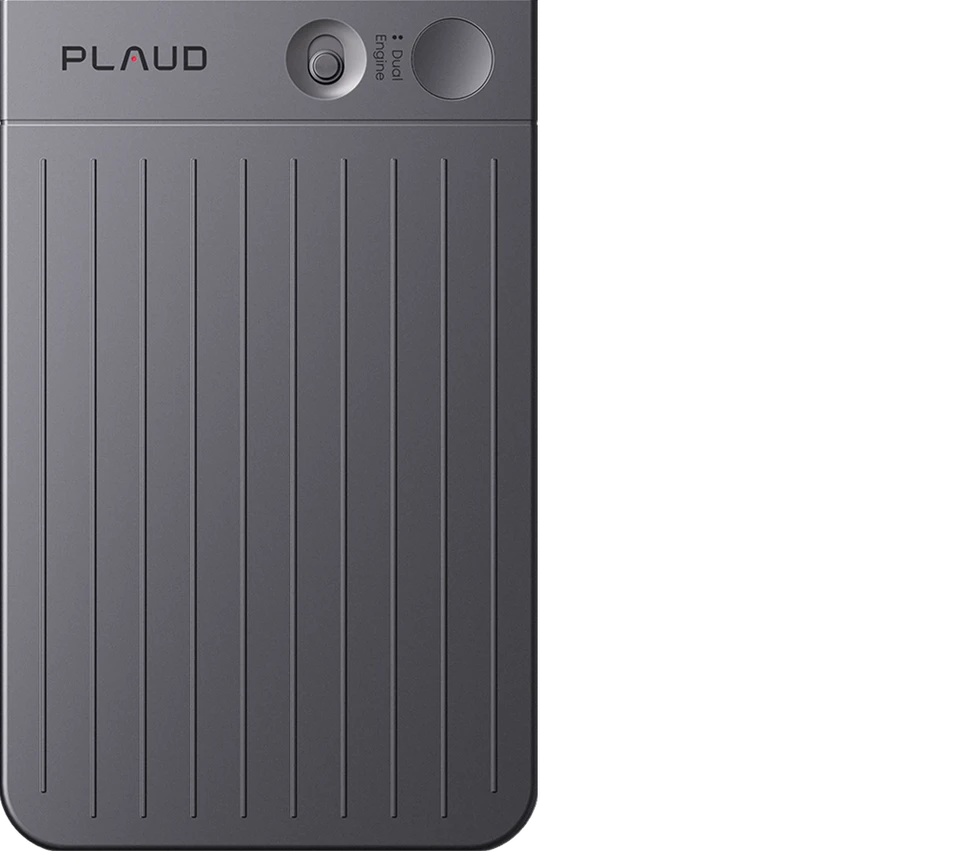
Compare the original black Plaud Note with an existing phone: capture controls, transcription allowances, exports and the full cost of ownership.
16GB, 24GB, 32GB or 64GB? Understand model weights, context and the headroom behind a useful local assistant.
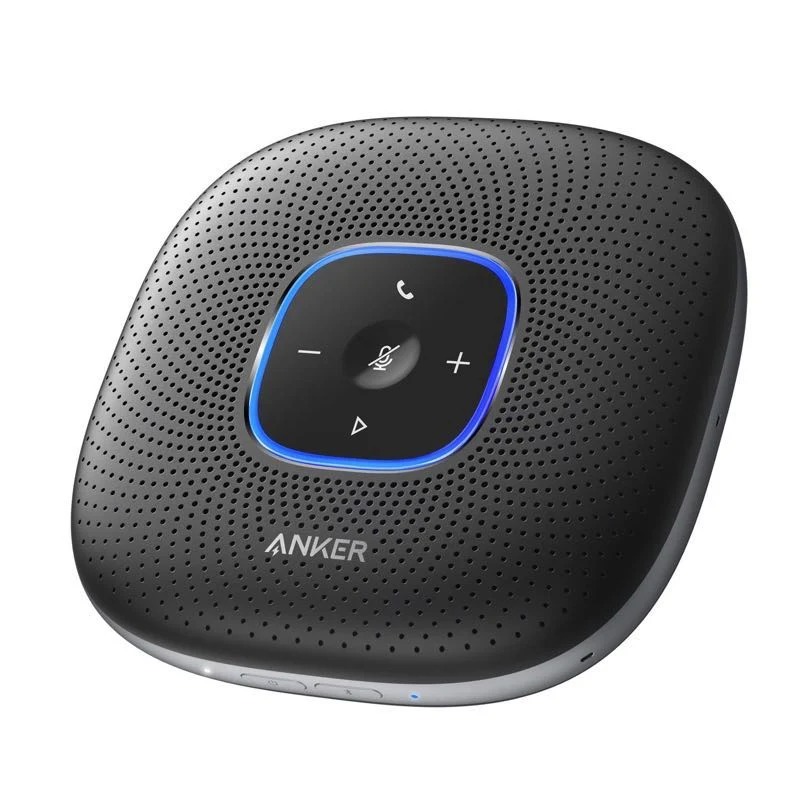
Anker PowerConf and Jabra Speak2 55: the connections, room conditions and transcription checks that should guide the purchase.
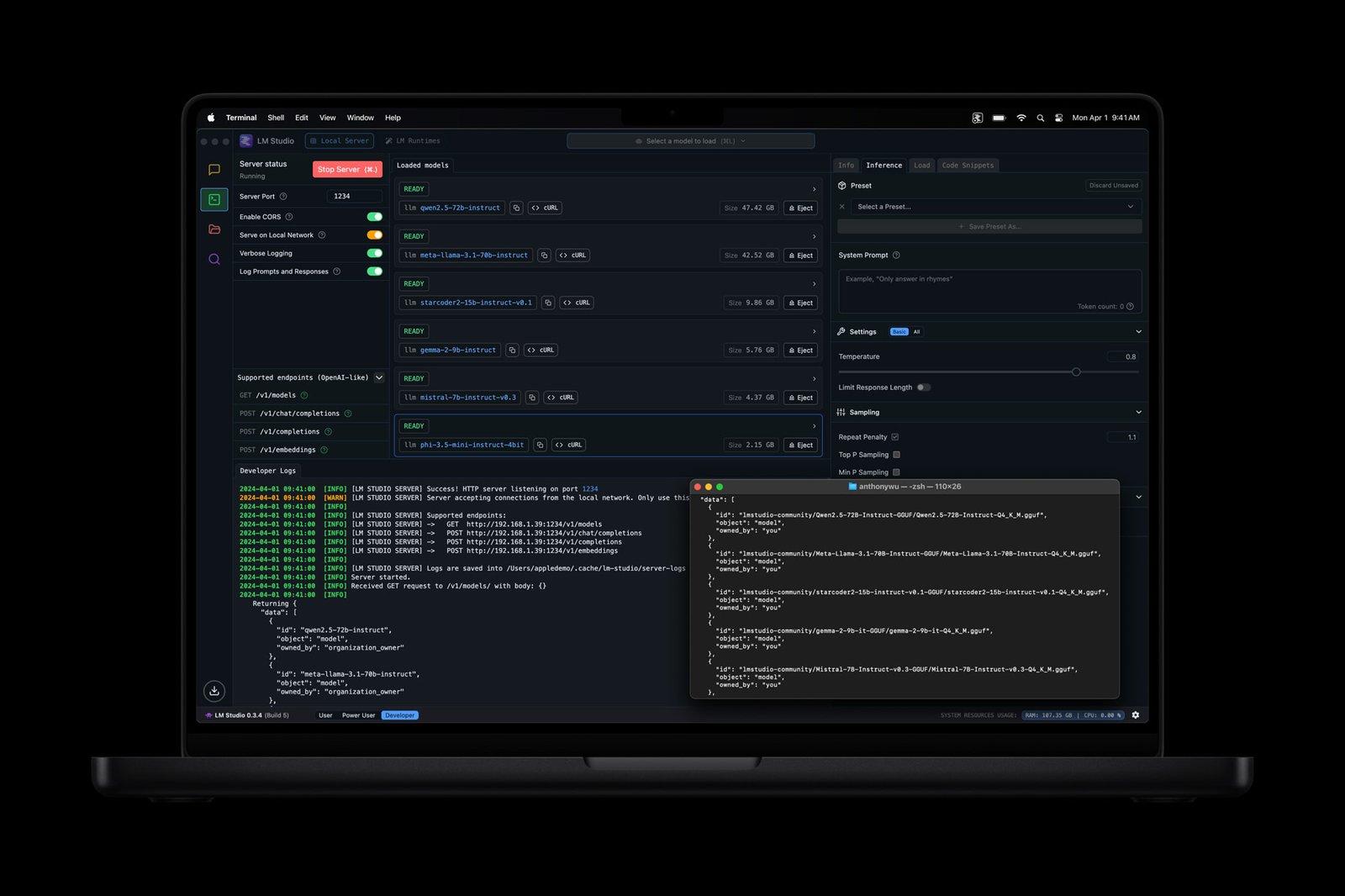
A practical LM Studio guide: choose a manageable model, prepare your files and check the setup before you disconnect.
Compare the same workflow, the real billing units and the work of putting a failed automation right.

Look beyond the generation badge. Compare memory, battery condition, seller terms and the total cost of keeping a capable laptop.
The avatar is only the beginning. Compare scripts, corrections, captions and subscription limits before building a video library.
Compare light-powered quartz and mechanical ownership, from charging and winding to fit, service and everyday readiness.
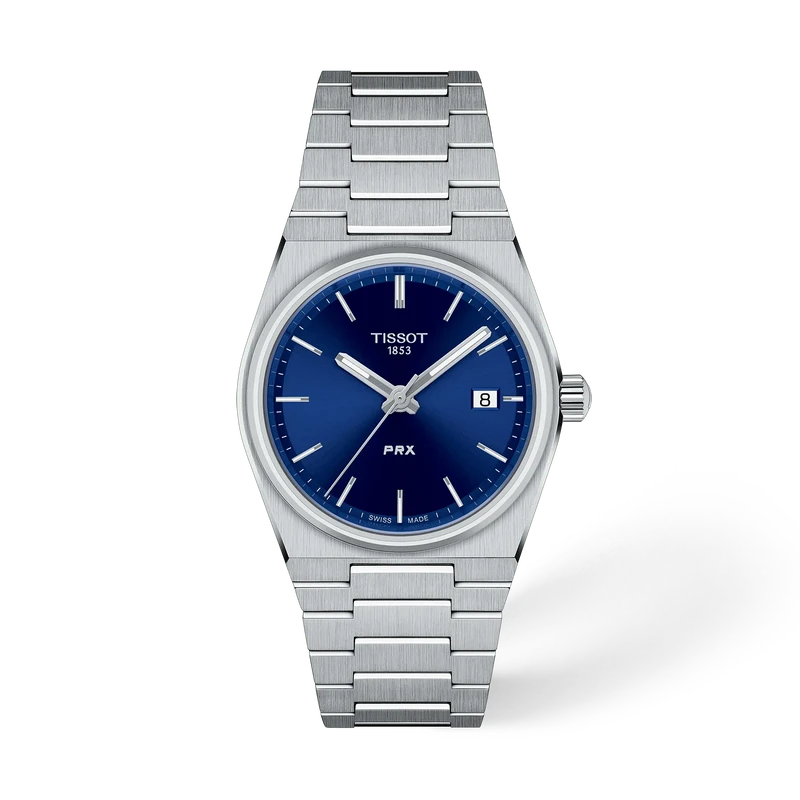
Look beyond diameter. Compare case reach, thickness, bracelet adjustment and strap geometry before ordering.
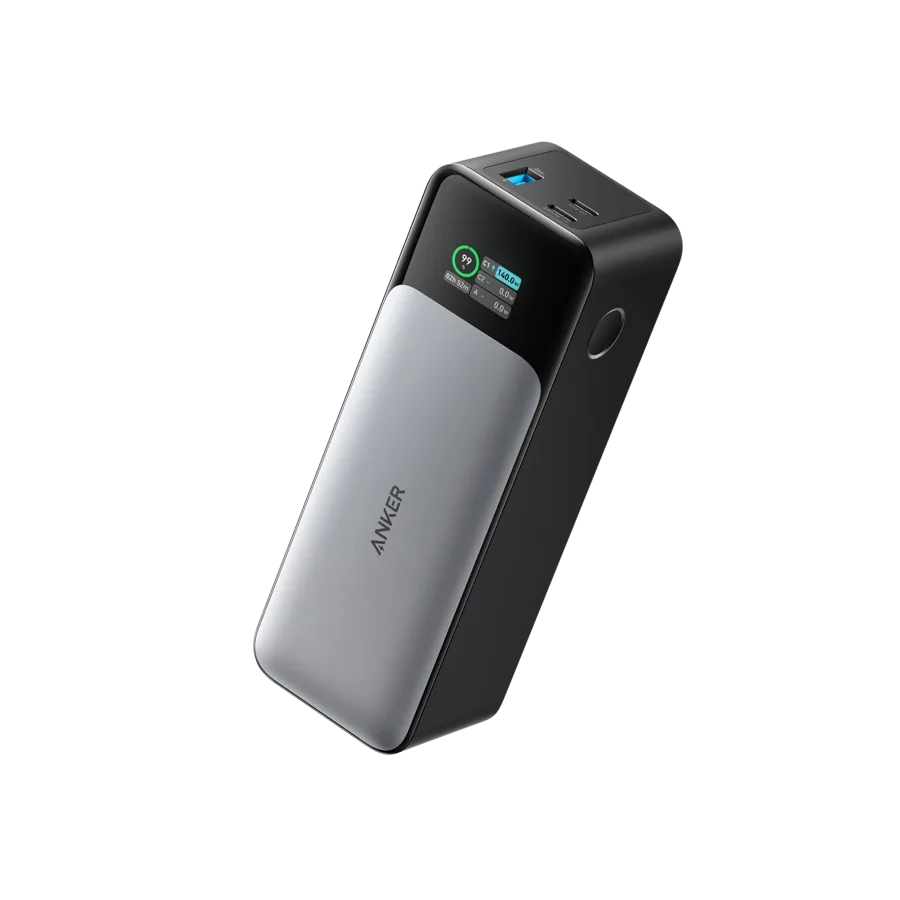
Read the watt-hour label, separate carry-on from checked-bag rules and check the operating airline before you pack.
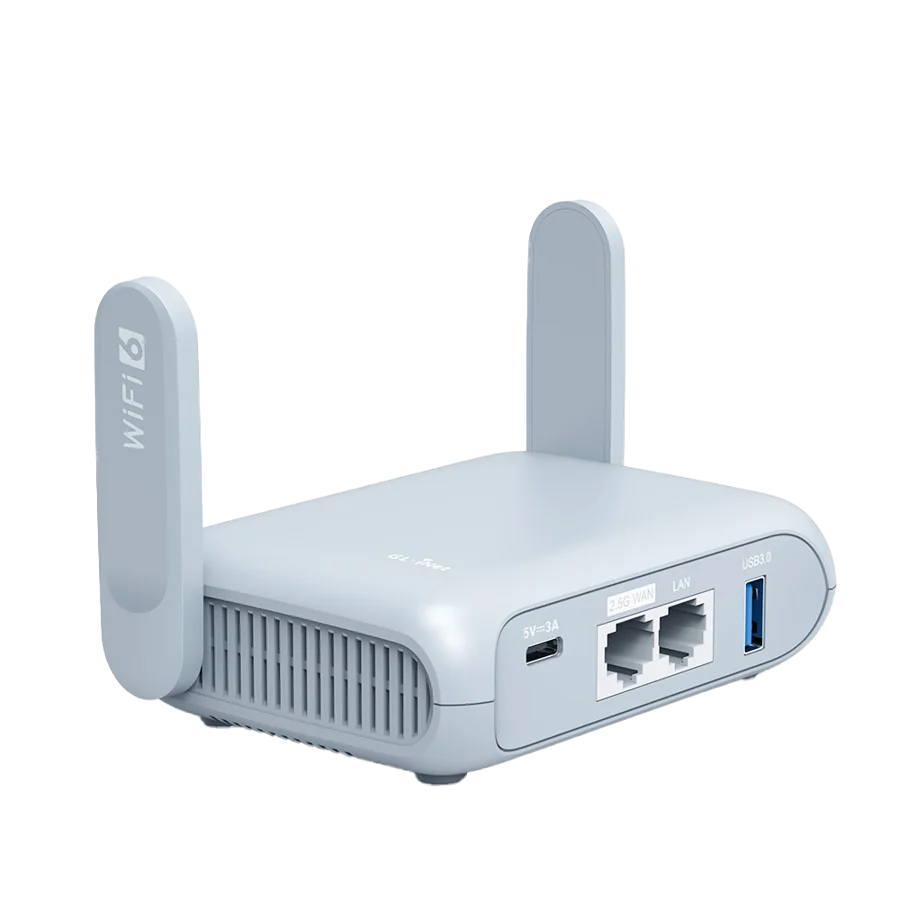
Understand repeater mode, captive portals, Ethernet and VPN limits before adding another box to your travel bag.
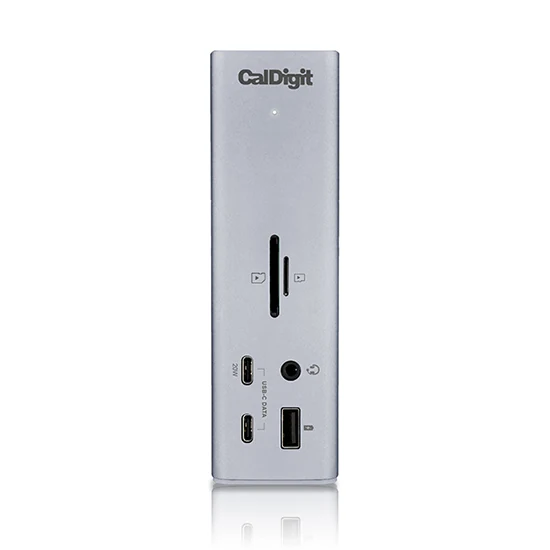
Start with the laptop and the displays. Match native video support, software and charging to the desk you actually use.
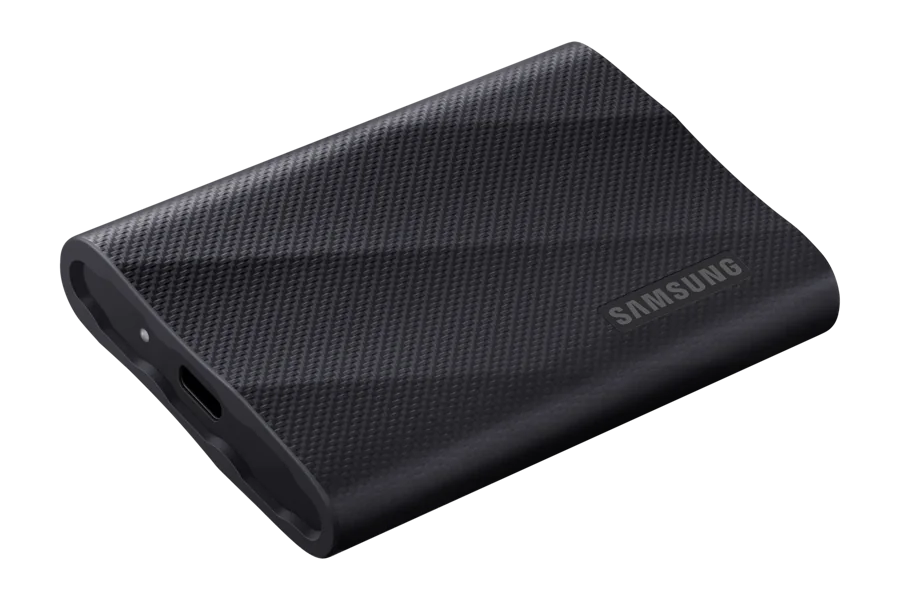
Follow the full connection: host, cable, USB mode, file sizes and sustained writes all shape the result.

Start with the phone you own. Compare capture, export and service costs before buying a recorder with AI on the box.
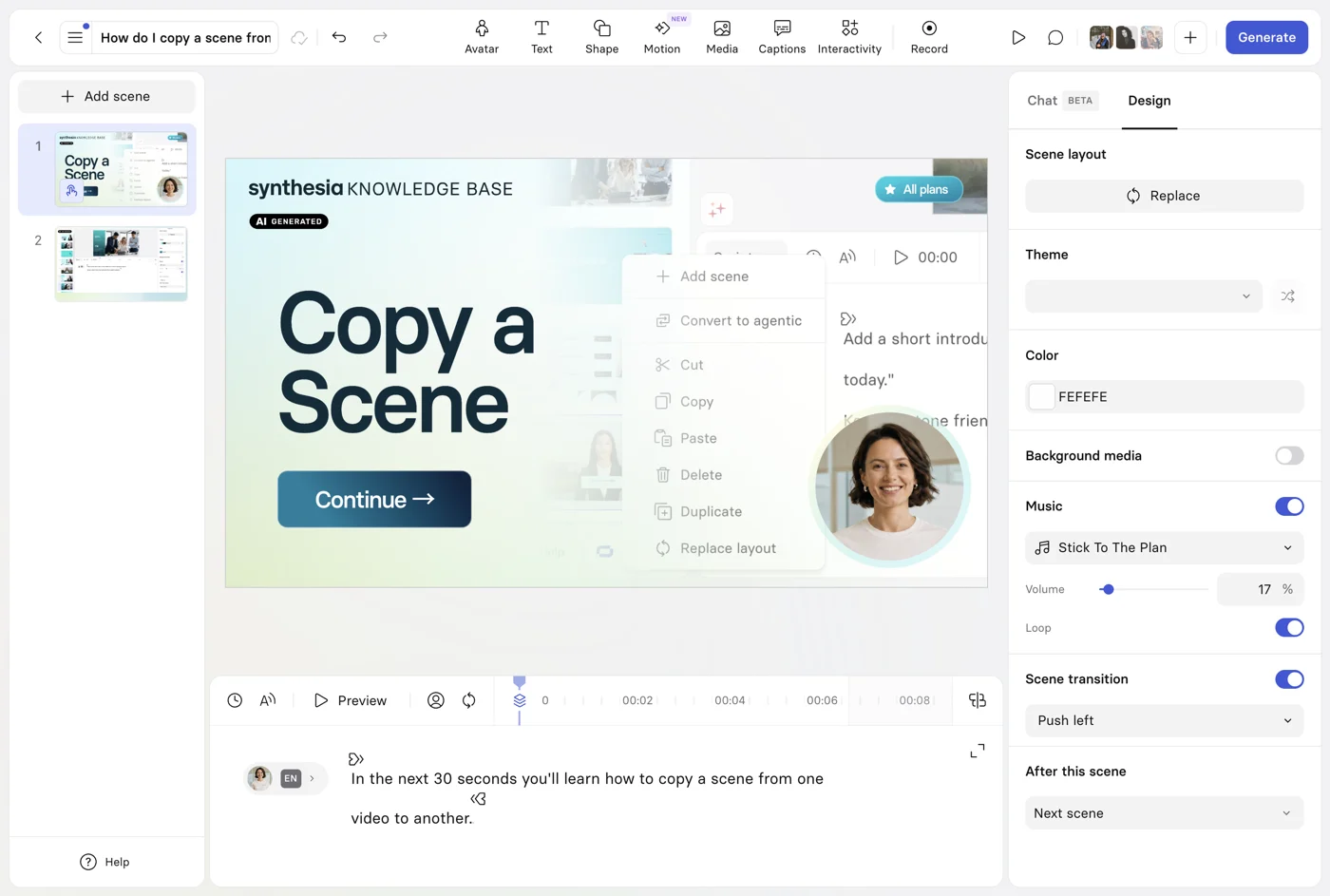
Turn an existing procedure into a focused lesson, with the right import route, readable scenes and a reviewable final video.

Choose the sources, human handoff and maintenance routine before buying a more impressive chatbot demo.
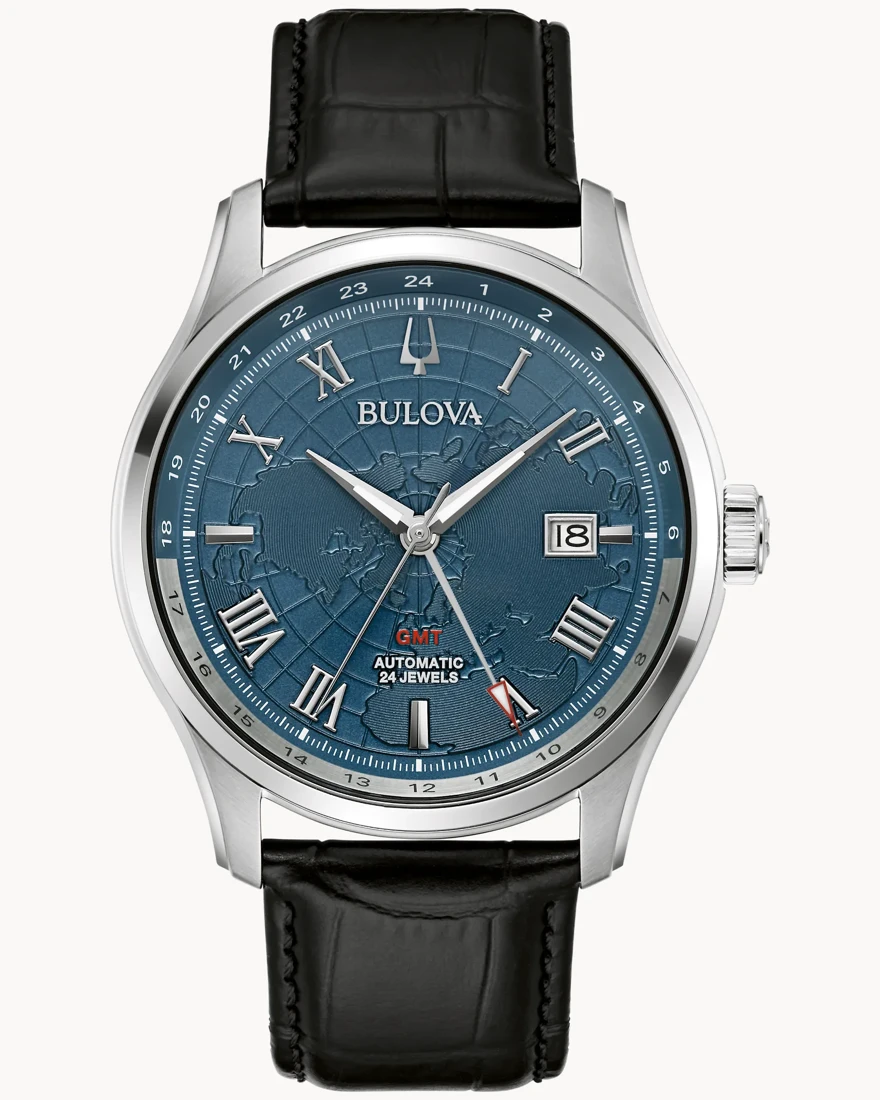
Understand which hour hand adjusts independently, then choose the mechanism, case and dial that suit your actual routine.
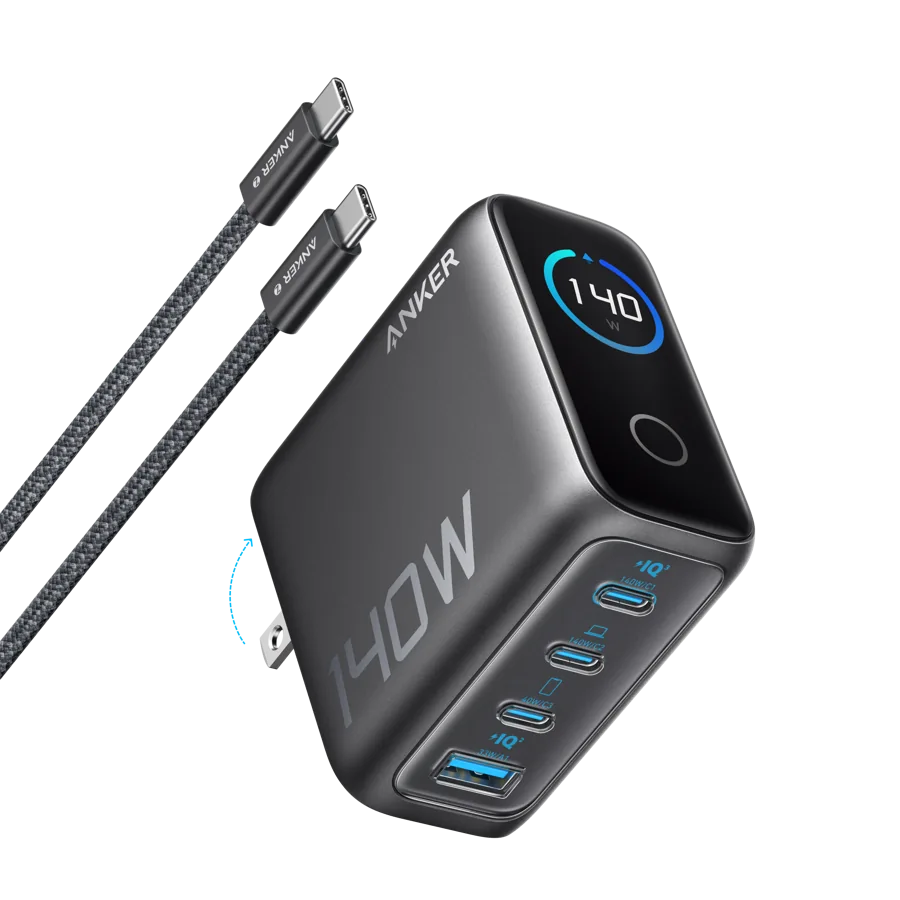
Count the right ports, read the shared-output table and keep the compatible watch puck in the kit.
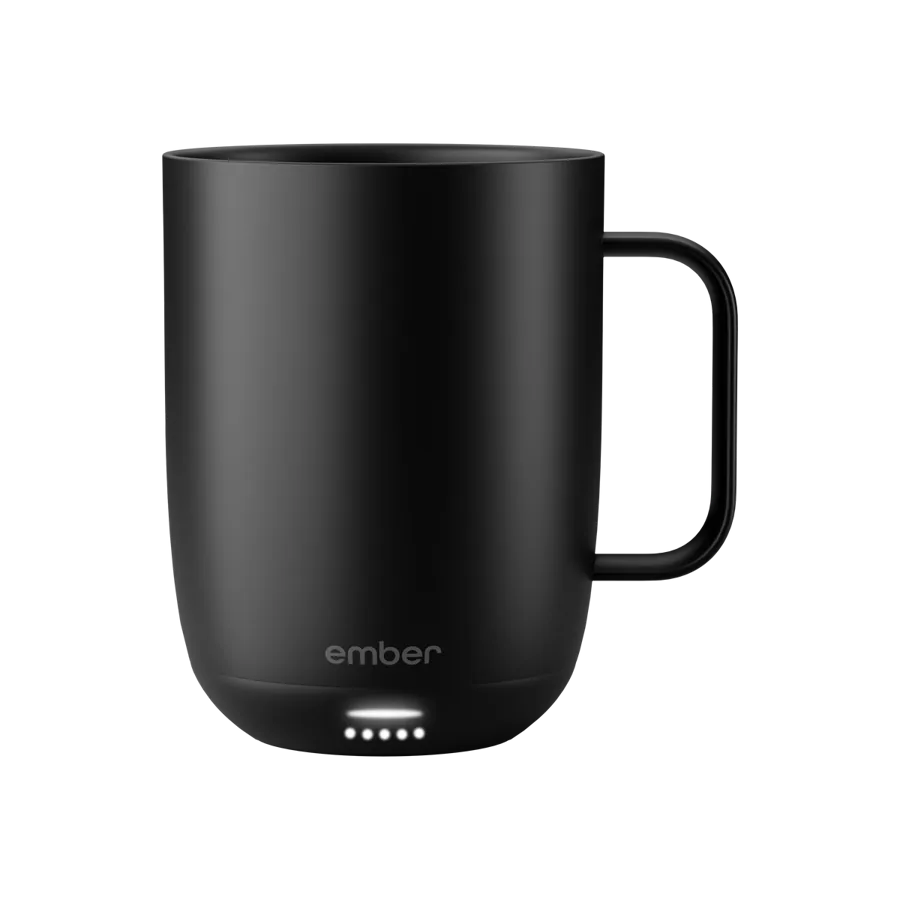
Six useful gifts for $50, $100 and $250 budget targets, chosen around the recipient rather than a crowded gadget list.
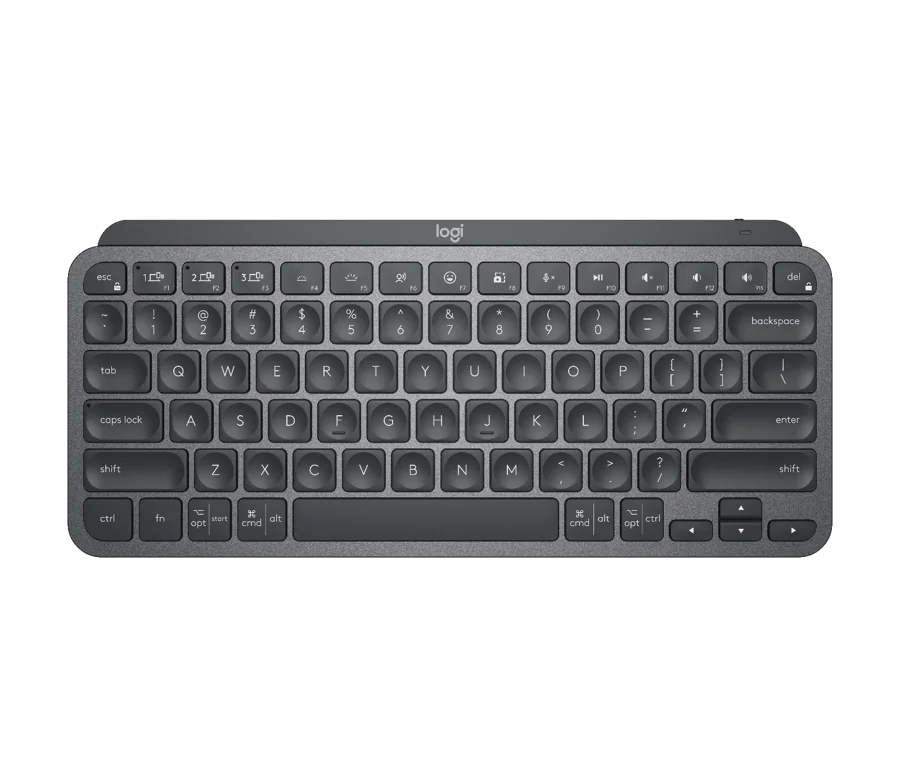
Recover clear space, simplify connections and choose five compact tools around the way you actually work.
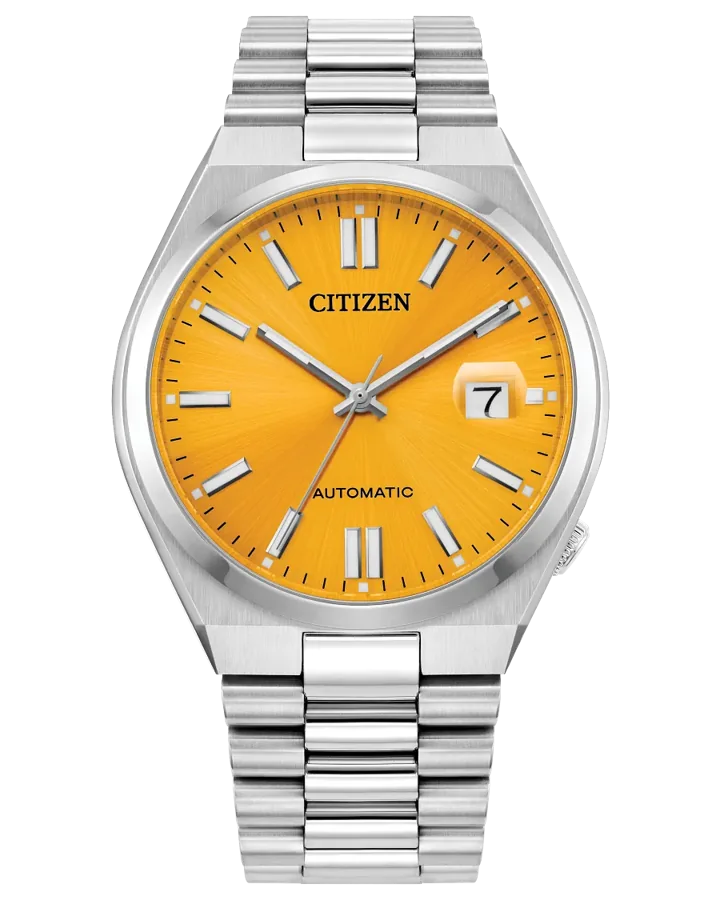
Match the exact reference, selected seller and support documents before deciding whether a watch offer is a good buy.
Five assistants, five reasons to try them—and a practical way to decide which deserves your subscription.
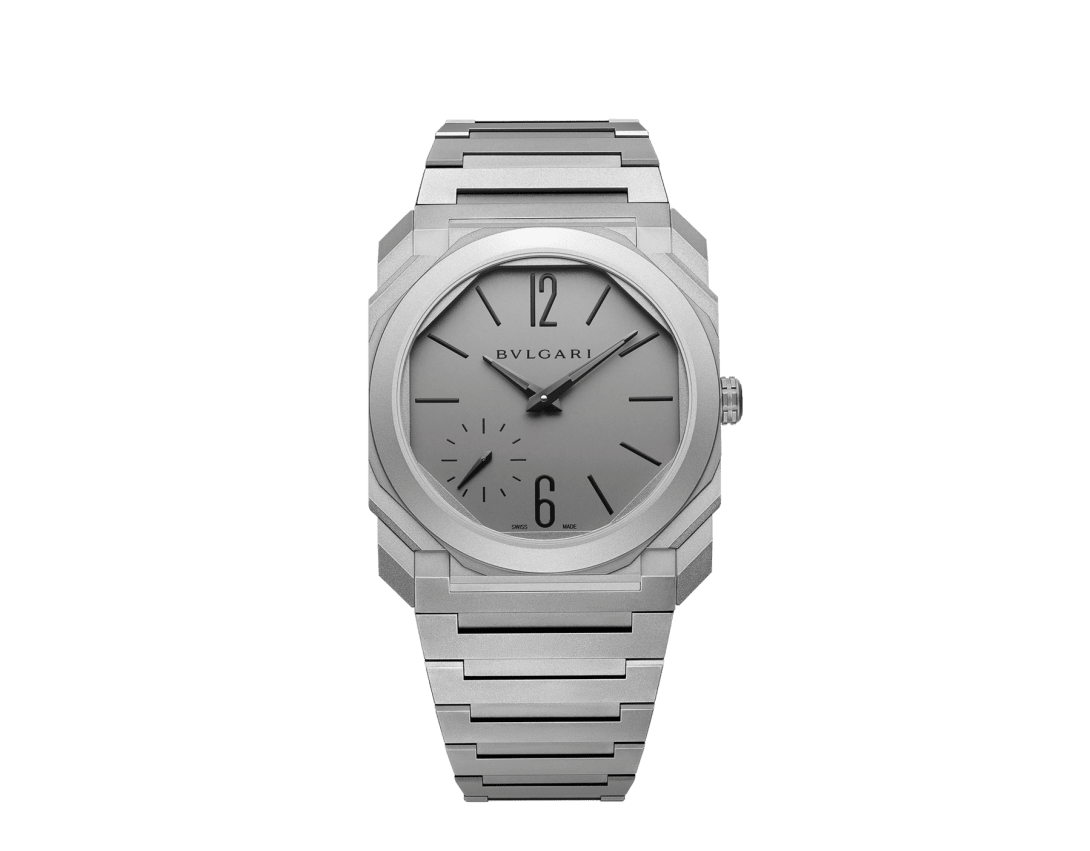
Two titanium finishes, an unusually slim profile, and a useful question: how much watch do you actually want on your wrist?
Aerospace spectacle meets the supercar. The reservation, the vehicle, and the flight claim deserve separate scrutiny.
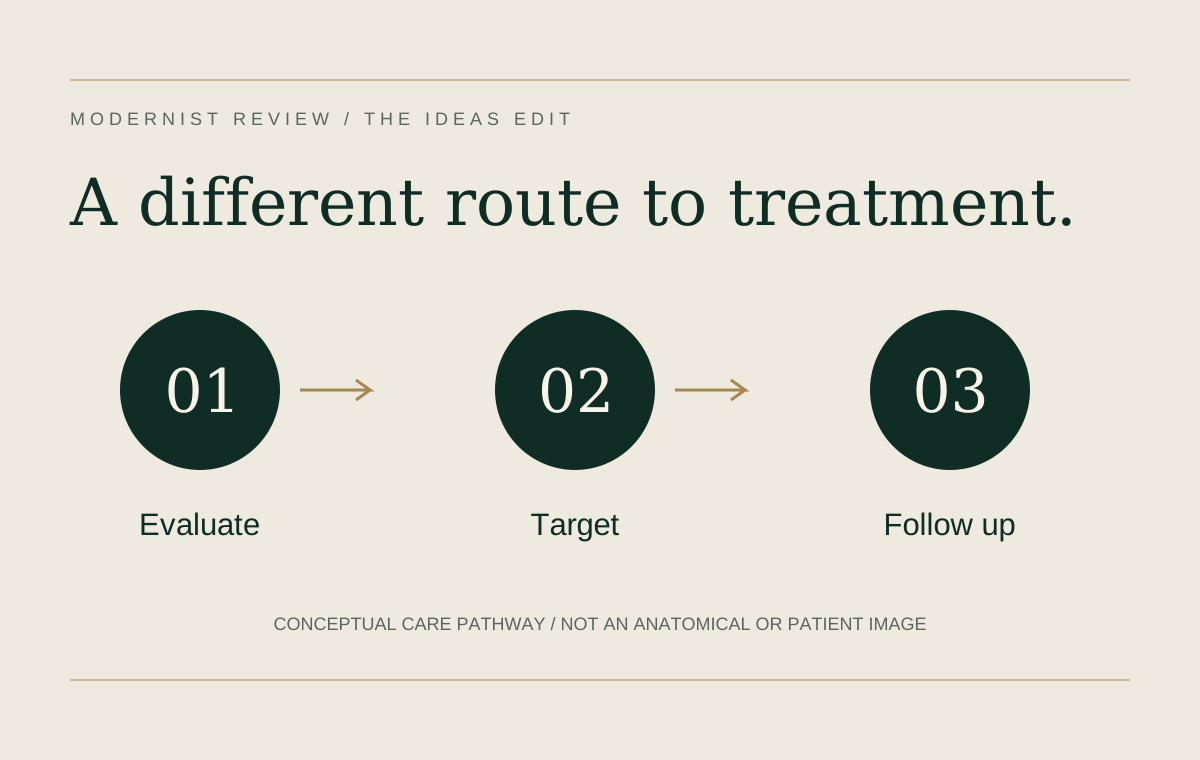
A minimally invasive option can offer meaningful advantages for selected men. Understanding the diagnosis and the tradeoffs makes the technology useful.
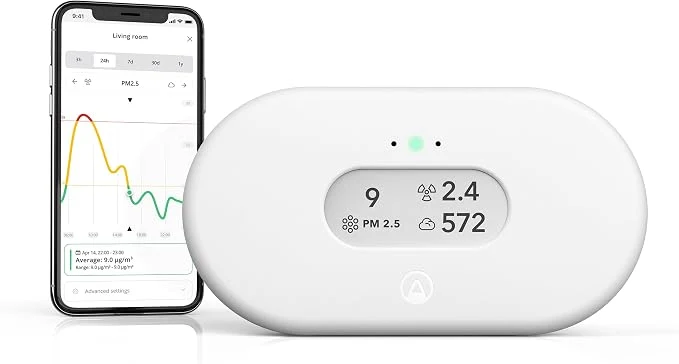
Doorbells, connected cameras, motion lights, and air monitors solve different problems. A useful home setup begins by separating them.
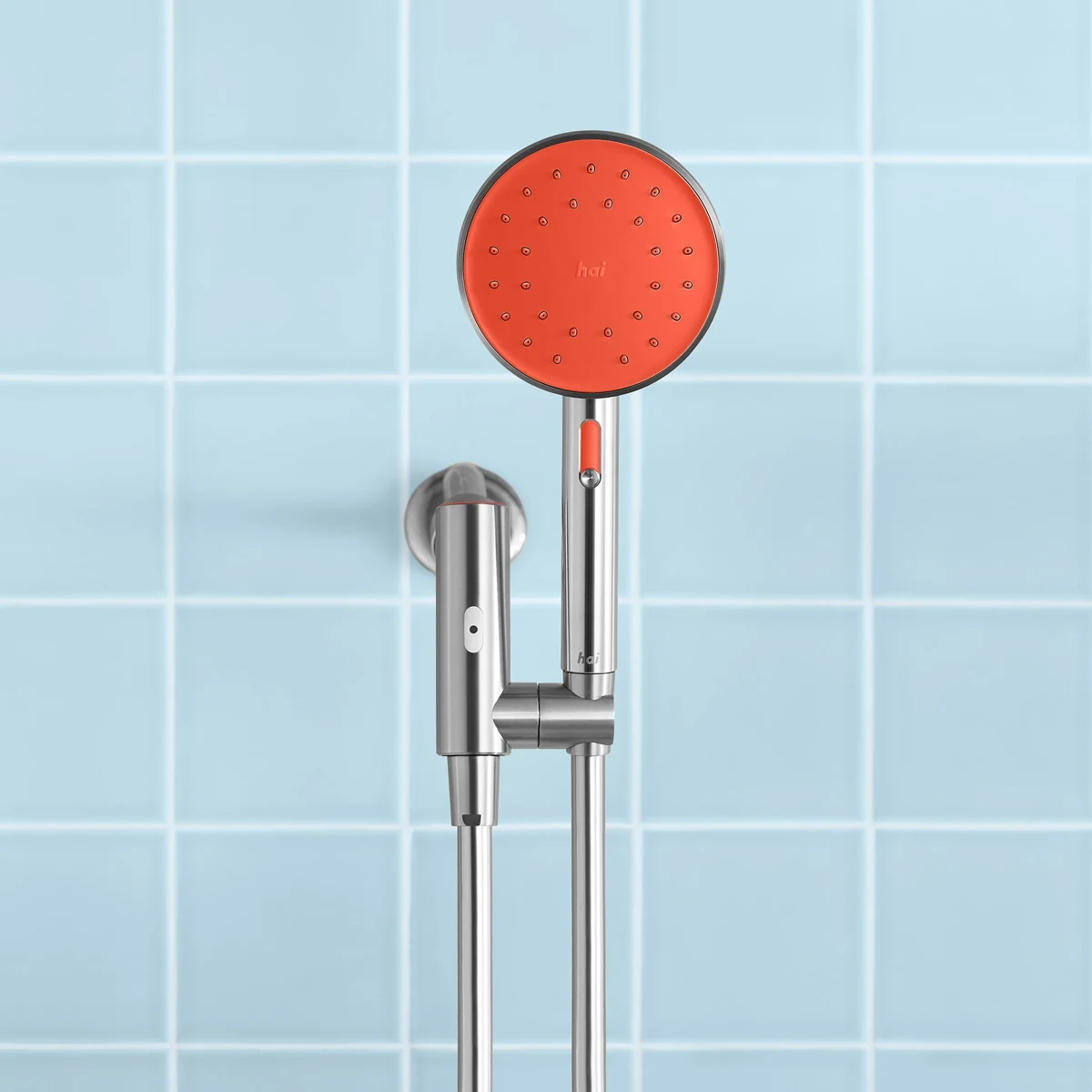
Temperature indicators, connected showers, warm towels, and portable soaking products promise very different upgrades.

Window vacuums, spot cleaners, floor washers, and garment tools earn their space when the complete routine gets easier.
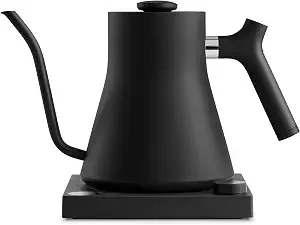
A brewing machine, precision kettle, long-slot toaster, and automatic stirrer make four very different promises.
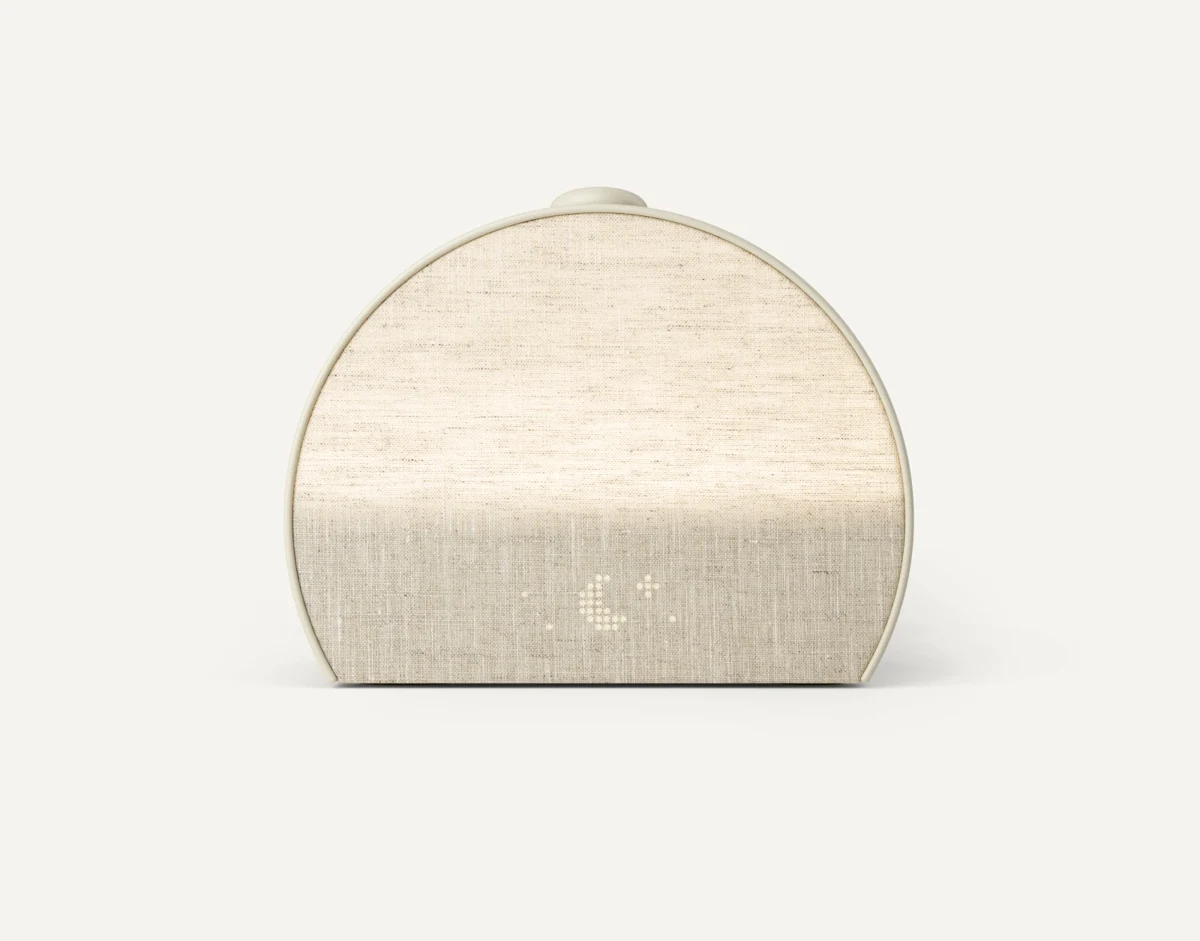
A breathing companion, alarm clock, topper, speaker, strap, and wedge belong in different conversations.

Trackers, exercise tools, massage devices, and cleaning accessories should each answer a specific question.
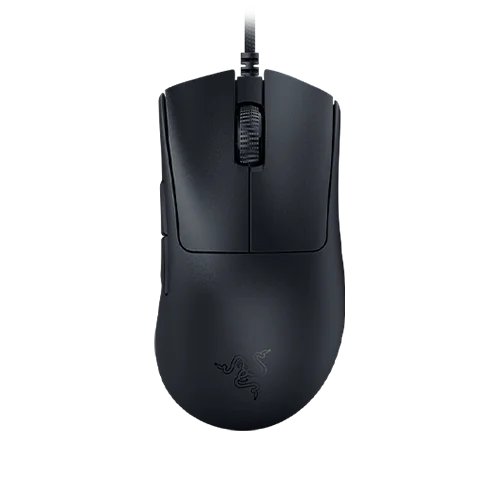
Charging, input, organization, and a little automation can improve a workspace—when they fit the equipment already there.

Rotating furniture, lighted displays, and kinetic art deserve an ownership review beyond the reveal shot.

The useful upgrade is the one that makes an ongoing responsibility easier to manage.
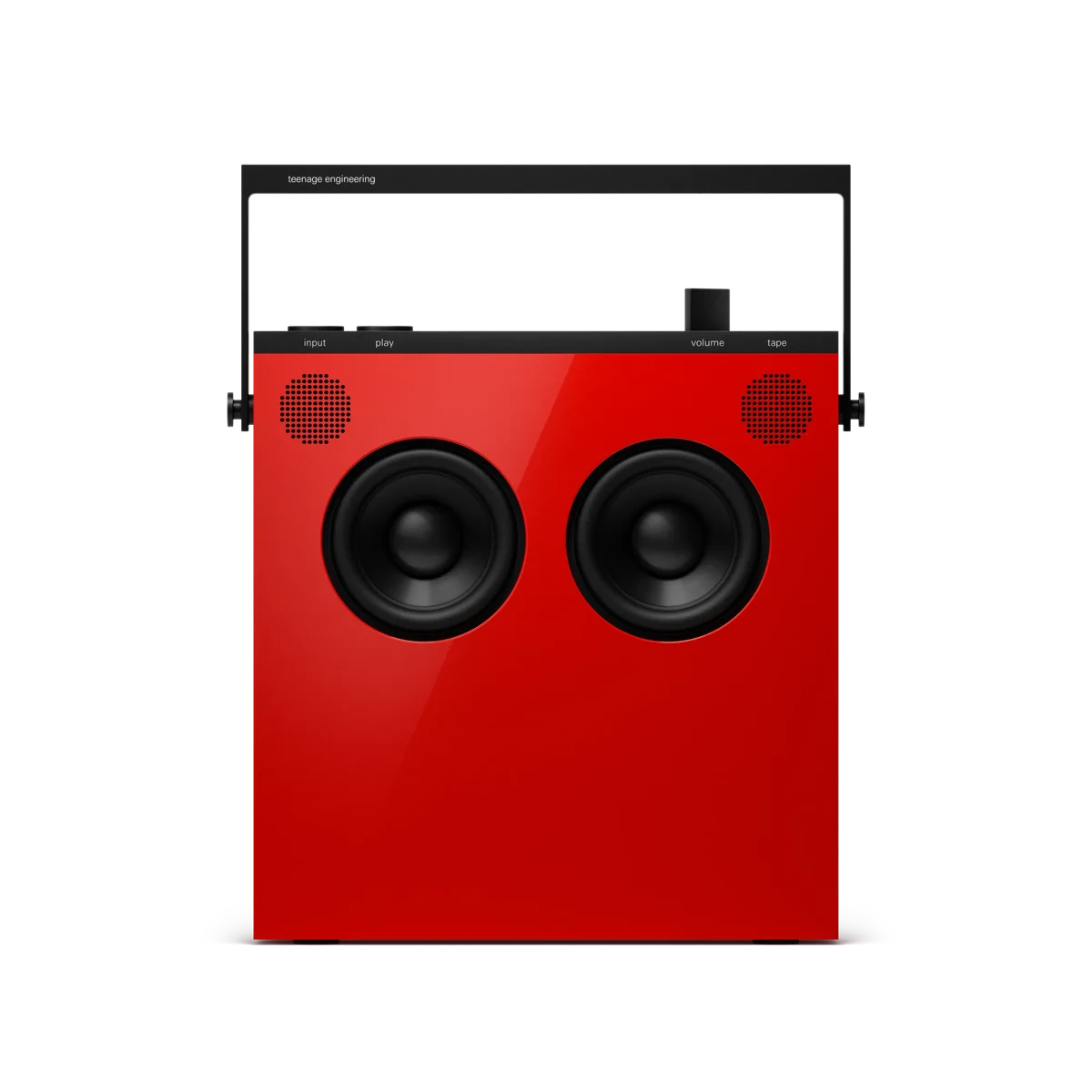
A distinctive speaker, retro handheld, movie screen, and camera mount can earn a place without becoming another oversized setup.
New: The Editor’s recent purchases — the personal product notebook → · GasVise: the Editor’s experience and the safety question →
Photo: CalDigit TS4 Thunderbolt 4 dock · CalDigit · Manufacturer image
Start with the friction in your working day, then choose the connection that removes it.
Photo: Logitech MX Keys Mini · Logitech · Manufacturer image
A smaller keyboard should preserve the keys and habits you actually need.
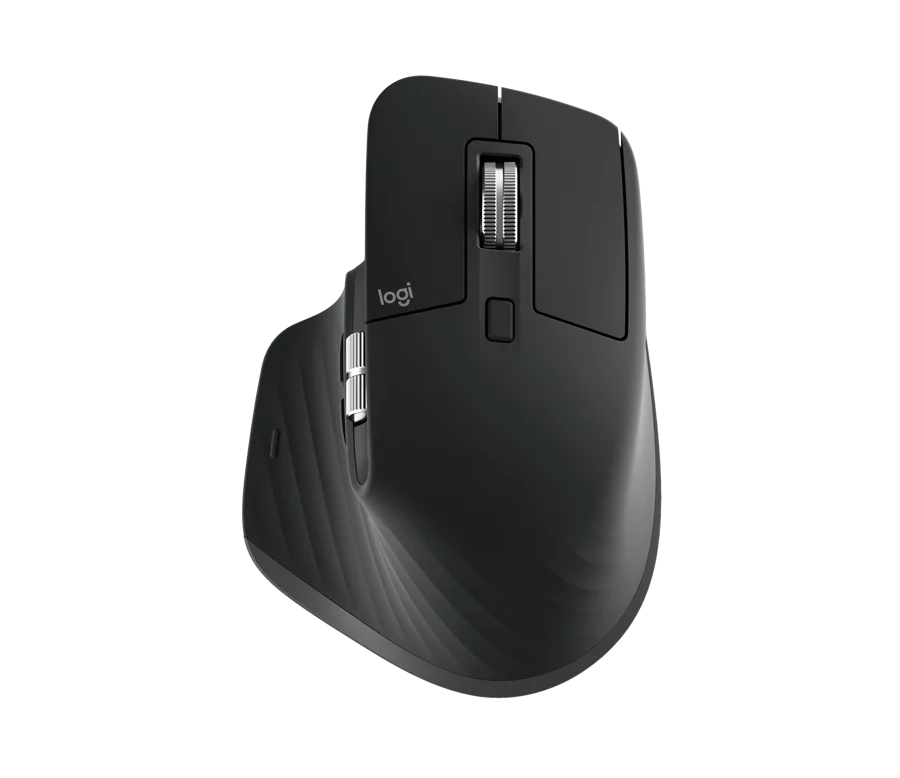
Photo: Logitech MX Master 3S · Logitech · Manufacturer image
Desktop controls for travel bags, gesture users, gaming desks and limited space.
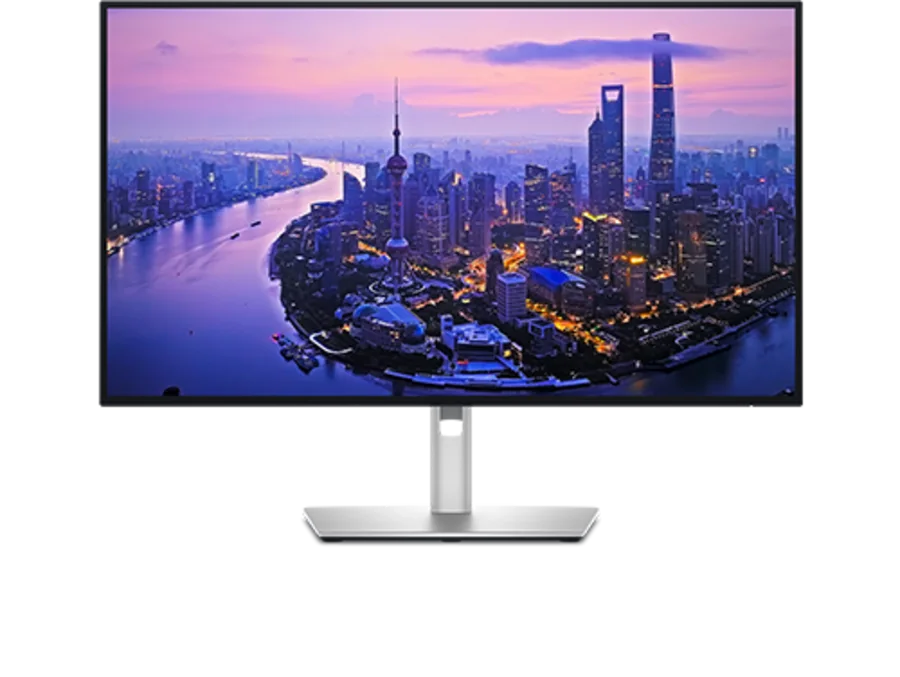
Photo: Dell UltraSharp U2725QE · Dell · Manufacturer image
Choose the workspace, resolution and connections before chasing a larger screen.
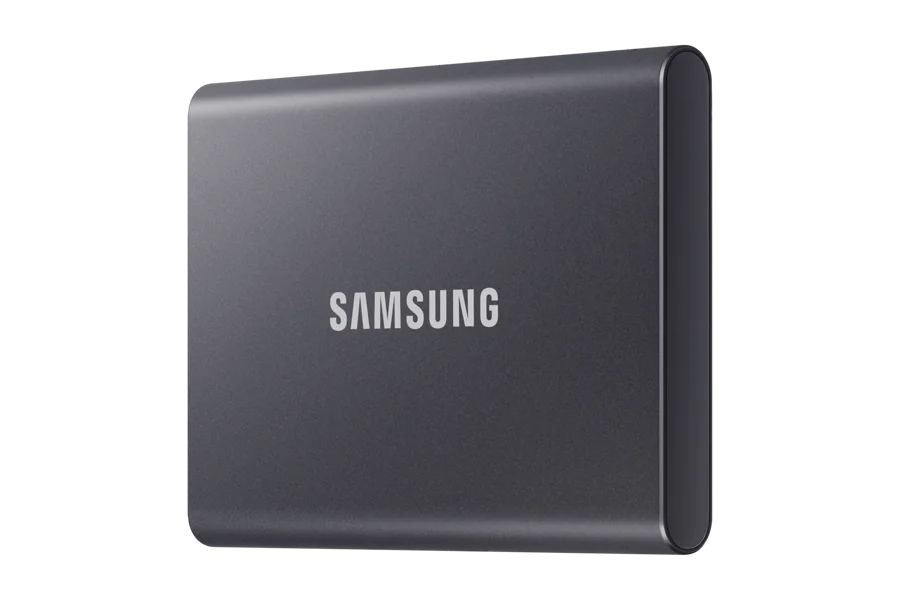
Photo: Samsung T7 2TB · Samsung · Manufacturer image
Capacity, interface and backup discipline matter more than a headline transfer rate.
Photo: Anker Prime Charger 100W, 3 Ports, A2688 · Anker · Manufacturer image
Build a charging kit with a clear role for each item.
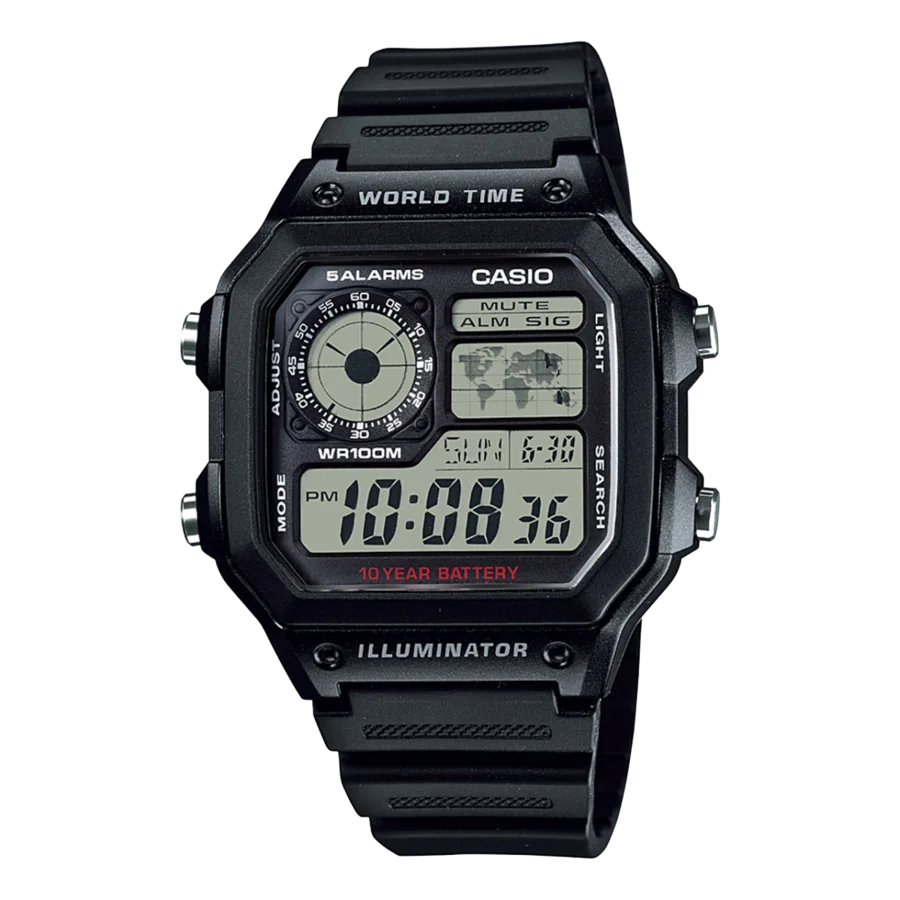
Photo: Casio AE-1200WH-1AV · Casio · Manufacturer image
Build around different wearing occasions, not ten versions of the same idea.
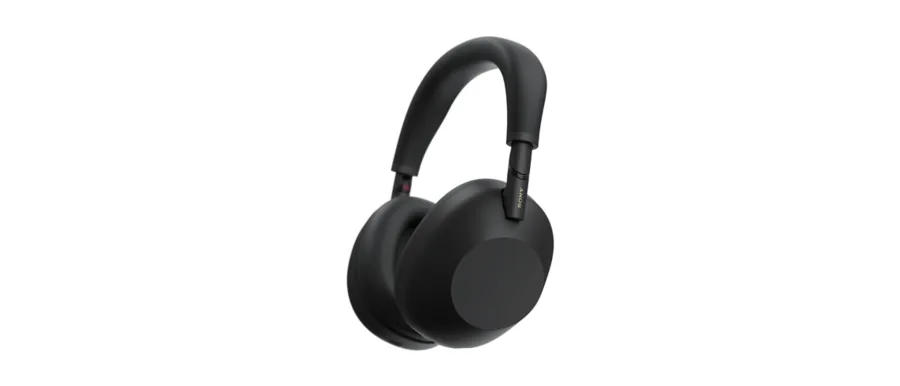
Photo: Sony WH-1000XM6 · Sony · Manufacturer image
Choose the listening arrangement before deciding which features deserve your money.

Photo: eero 7 · eero · Manufacturer image
A faster-looking router is useful only when it addresses the actual bottleneck.

Photo: iFixit Pro Tech Toolkit · iFixit · Manufacturer image
Useful tools, a little desk pleasure, and fewer guesses about compatibility.

Photo: Apple MacBook Air 13-inch M5 · Apple · Manufacturer copyright
Before comparing chips and screen sizes, make sure your next laptop can do your actual work.
Photo: Apple MacBook Air 13-inch M5 · Apple · Manufacturer copyright
A practical way to decide whether extra laptop memory buys useful headroom or an unused specification.
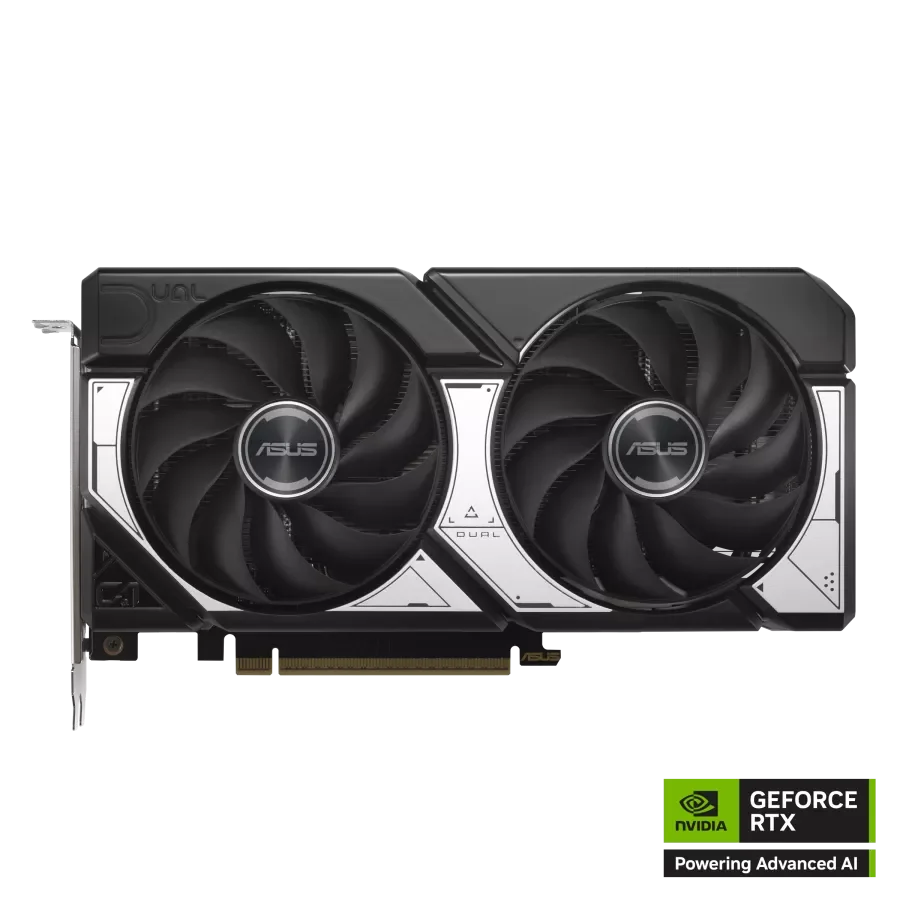
Photo: ASUS Dual NVIDIA GeForce RTX 5060 Ti 16GB OC · ASUS · Manufacturer copyright
The model name is the same. The memory decision can change which workloads are practical.
Photo: Apple Mac mini M4 · Kyu3a · CC BY-SA 4.0
Two ways to build a home AI machine, and the questions that should decide between them.
Photo: Citizen TSUYOSA NJ0150-56Z · Citizen · Manufacturer image
Two bracelet watches with a familiar design appeal, separated by a more interesting question than brand prestige.
Photo: Citizen TSUYOSA NJ0150-56Z · Citizen · Manufacturer image
Match the exact reference, selected seller and support documents before deciding whether a watch offer is a good buy.
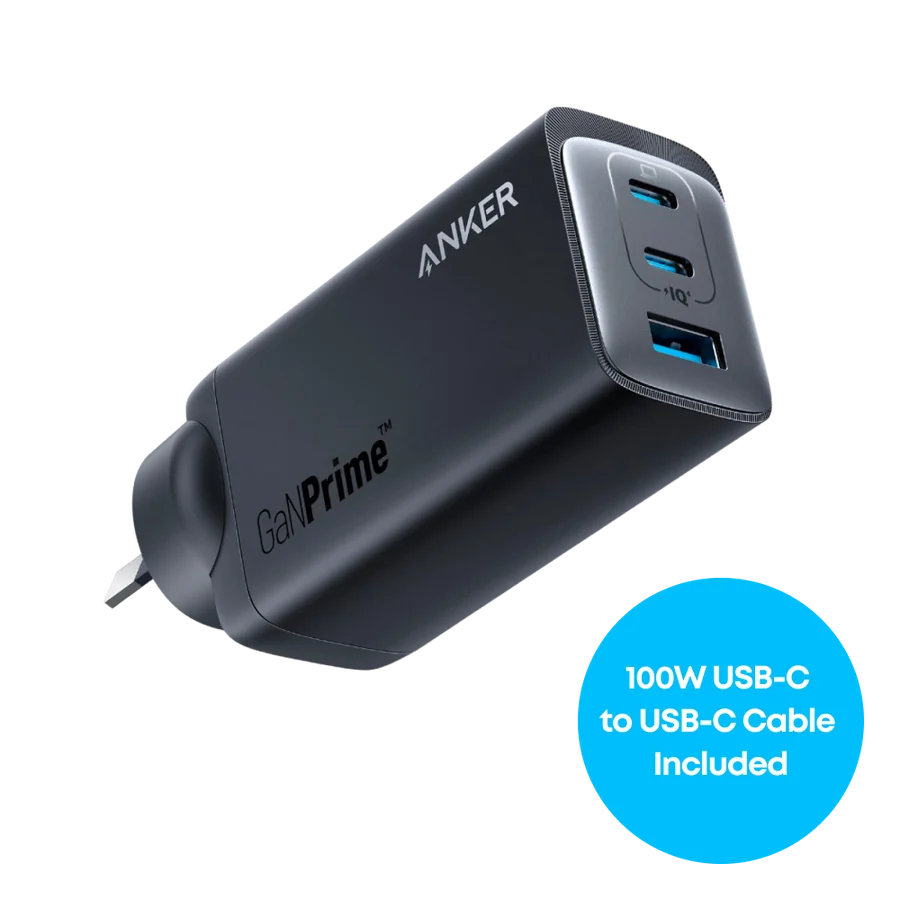
Photo: Anker 737 Charger GaNPrime 120W A2148 · Anker · Manufacturer copyright
The best charger is the one that serves your actual bag, outlet and overnight routine.
Photo: Apple Mac mini M4 · Kyu3a · CC BY-SA 4.0
A practical audit for the moment when a new purchase has stopped feeling new.
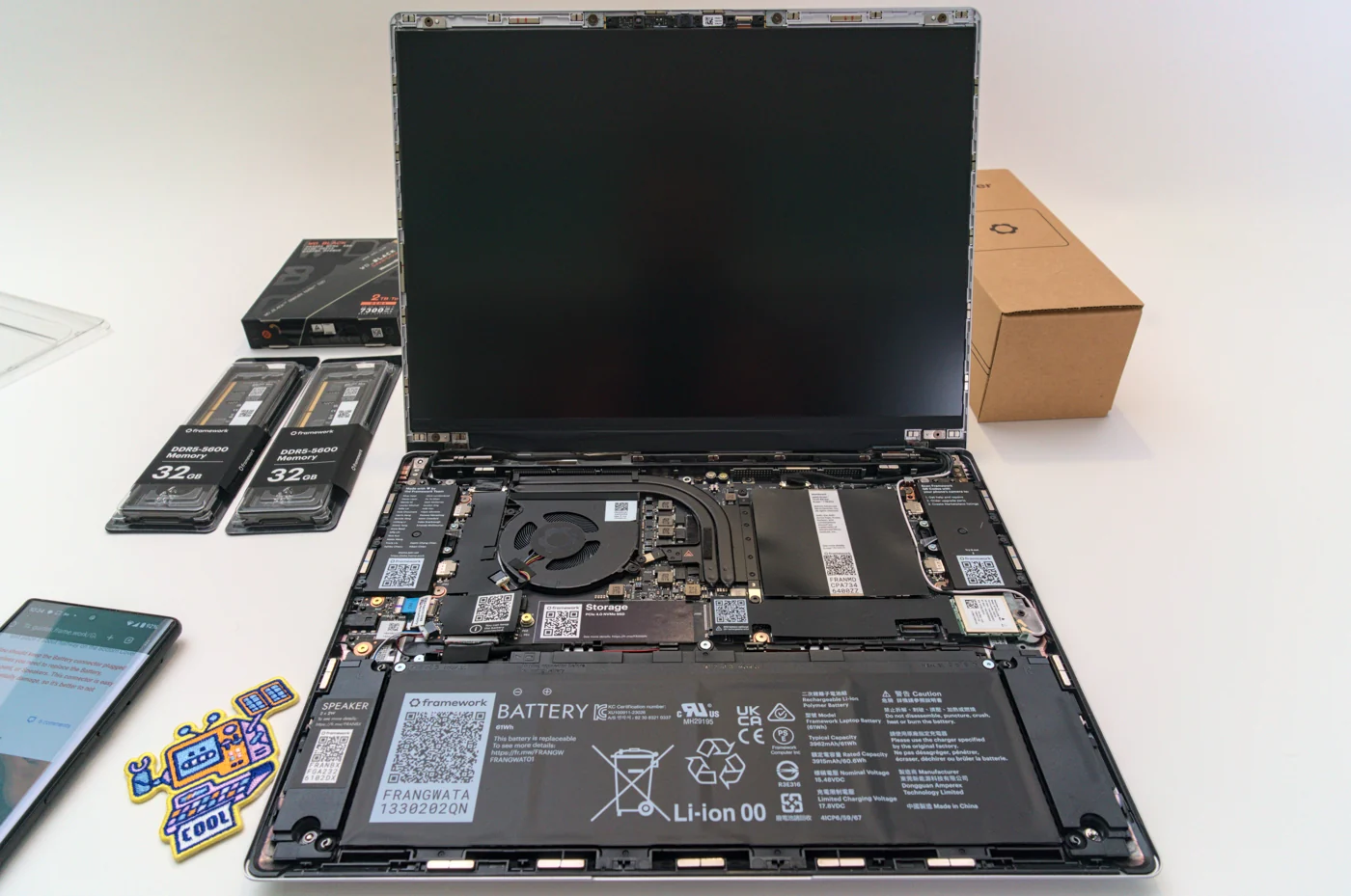
Photo: Framework Laptop 13 AMD DIY, photographed February 2024 · Thcipriani · CC BY-SA 4.0
A new product is one option. Fixing the actual problem may be the better purchase.
Photo: ASUS Dual NVIDIA GeForce RTX 5060 Ti 16GB OC · ASUS · Manufacturer copyright
M5 portability, repairable laptops and local AI capacity deserve a closer reading than the launch slogans.
Photo: Citizen TSUYOSA NJ0150-56Z · Citizen · Manufacturer image
Digital travel tools, mechanical dress watches and the references that deserve attention.
Photo: Apple MacBook Air 13-inch M5 · Apple · Manufacturer copyright
Five buyer categories and the configurations to compare before checking out.
Photo: Apple Mac mini M4 · Kyu3a · CC BY-SA 4.0
Start with the computer you own, then identify the next useful upgrade.

