
An older MacBook Pro can be a thoughtful purchase when its memory, condition and price fit the work you actually do. The opportunity is to buy sufficient capability for less money. The mistake is to assume that two machines with a Pro badge offer the same experience, or that a large discount proves equivalent performance.
Our recommendation is to compare exact configurations and the total cost of ownership before choosing a generation. This researched guide does not claim that an older MacBook performs like the newest model, and we have not run a controlled comparison. Specifications and support documentation were checked on October 21, 2026; seller inventory and prices can change.
Identify the actual computer first
A product title, an old address slug and a selected listing variation can disagree. Check the chip, screen size, memory, storage and condition in the current selected offer. Ask for a matching system-information screenshot when buying a used machine. If the seller cannot resolve a contradiction, move on.
The Amazon listing associated with ASIN B0FHP6C3BL identifies a 2023 16.2-inch MacBook Pro with M2 Max, 64GB memory and 1TB SSD, Space Gray, Renewed. That is different from a 2024 M4 Max. Treat it as a seller listing to verify before purchase; the title alone does not establish the unit's battery health, GPU configuration, warranty or cosmetic condition. Selected Amazon listing.
What the specifications actually tell you
Swipe or scroll the table sideways to compare every column.
| Example | Official configuration facts | Buying implication |
|---|---|---|
| 16-inch MacBook Pro, early 2023, M2 Max | Apple offered M2 Max configurations with 64GB unified memory | Check the actual unit rather than assuming every M2 Max has that memory |
| 16-inch MacBook Pro, 2024, M4 Max | Apple lists 14-core CPU/32-core GPU and 16-core CPU/40-core GPU variants | An M4 Max label alone still does not identify the configuration |
| Any renewed or used example | The listing describes a previously owned or refurbished offer | Condition, seller obligations and return terms are part of the comparison |
Apple's early-2023 specification sheet confirms the M2 Max family and memory options. It does not authenticate an individual marketplace unit. Apple's 2023 specifications.
The 2024 model supports Thunderbolt 5, and Apple specifies different memory options for its M4 Max variants. These are concrete differences to check if you use high-bandwidth peripherals or need a particular memory capacity. They do not establish a universal speed advantage for every application. Apple's 2024 specifications.
For local AI, fit comes before a generation badge
Write down the models and applications you intend to use. Check their current operating-system, memory and acceleration requirements, then allow space for the operating system and your other work. Unified memory serves the system as a whole; a headline capacity is not an allocation reserved exclusively for an AI model.
An older machine with more memory may be worth considering when capacity is the limiting requirement. That is a workload-specific argument, not a claim that additional memory cancels every difference in compute capability. A machine that loads a model can still be too slow for your preferred response time. Consider whether your actual need is occasional experimentation, repeated document analysis or several concurrent applications.
Condition can erase a bargain
Review the battery's condition and cycle count together. Apple explains how to find cycle information through System Information, and lists a 1,000-cycle maximum for these MacBook Pro generations. That figure is a design reference, not a promise that every battery below it is healthy. Apple's battery-cycle guide.
Ask what the seller guarantees about battery capacity and how a complaint is resolved. Add any likely service expense to the comparison. A discounted laptop with a weak battery may suit a permanently docked setup differently from frequent travel, but an unexpected repair still changes its value.
Inspect the display on plain light and dark backgrounds. Check the keyboard, trackpad, camera, speakers, charging connection and every port you need. Confirm that the adapter and cable are appropriate for the machine. Photograph any damage immediately within the return window.
Make ownership and support part of the deal
A used Mac needs to be ready for your account. Apple explains that Activation Lock can prevent another person from reactivating a Mac without the original owner's credentials. Confirm that the seller has removed it before accepting the unit. Apple's Activation Lock explanation.
Also check for unexpected organizational enrollment during setup, the applicable warranty, the return deadline and who provides service. Do not treat the word Renewed as interchangeable with a manufacturer-refurbished program. Read the selected seller's actual terms. Avoid buying a locked machine on the assumption that support will simply remove the restriction later.
Compare value with one worksheet
Record the complete purchase price, taxes, required accessories, plausible service costs and warranty coverage for both options. Match memory and storage where possible. If configurations differ, explain what the additional capability would change in your work rather than assigning it an arbitrary dollar value.
For a meaningful performance comparison, use the same project, app version and settings on both computers. A proposed trial could time an export, run a representative code build and measure a chosen local model's response rate. Repeat the task and record temperatures, power mode and whether the laptop is plugged in. We have not executed that protocol and publish no benchmark results here.
When the older model makes sense
Choose an older Pro when the exact configuration meets your requirements, its condition is documented and the saving remains meaningful after ownership costs. Choose the newer alternative when a verified feature, performance result, warranty or portability advantage is worth its premium to you.
There is no defensible blanket promise of identical performance for half the price. There can be a very good individual purchase. Finding it means checking the computer behind the listing, then buying for the work it needs to do.
Explore the options
This is the actual renewed M2 Max listing discussed in the article. It is not a newer M4 Max configuration.
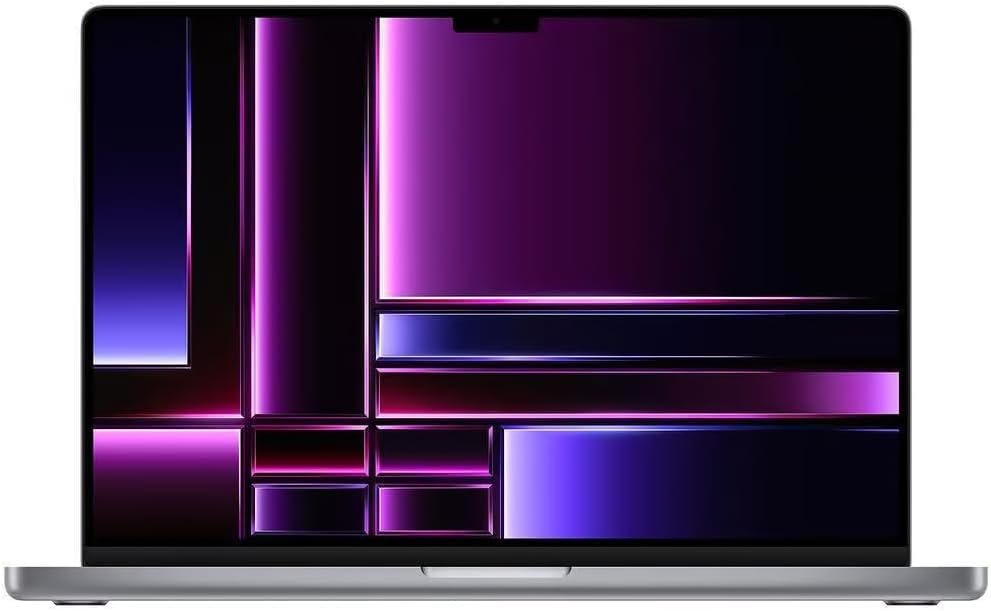
2023 MacBook Pro M2 Max — Amazon Renewed
A high-memory older laptop example, selected for the ownership checks discussed here.
As an Amazon Associate I earn from qualifying purchases. We may earn a commission from qualifying purchases through this button.
View exact product on Amazon ↗ (paid link)