
A good work-from-home gift notices something specific. The mouse that stays at the office when its owner works elsewhere. The coffee reheated three times before lunch. The camera pointed up from the corner of the dining table. These are better starting points than buying the gadget with the longest feature list.
Remote work is also personal. Employers may restrict connected hardware or software, and the recipient may already have a carefully chosen keyboard. Ask one small question before making a large purchase: what would make your working day a little easier?
This is a researched gift edit, not a hands-on comparison. Each candidate below serves a different habit. Our budget references come from US manufacturer pages checked October 21, 2026, before tax, shipping or extras. They are not Amazon prices or promises of availability. Check the exact version, seller and current total at checkout; for a strict all-in budget, leave room for tax.
Start with the recipient, then the budget
For someone who moves between rooms, a compact peripheral may be more welcome than a permanent desk fixture. For someone who already has everything, comfort or a familiar daily ritual may be the more thoughtful direction. For a new remote worker, ask which equipment their employer supplies before buying overlapping hardware.
Treat the following amounts as spending ceilings for one considered choice. There is no need to assemble a complete office in a gift bag. A low-cost item that gets used every day can be more successful than a substantial upgrade that changes the recipient's routine.
Swipe or scroll the table sideways to compare every column.
| Budget target | Consider when | Check before gifting |
|---|---|---|
| Up to $50 before extras | A portable mouse or compact keyboard solves a known need | Bluetooth access, layout and hand preference |
| Up to $100 before extras | Better navigation or shared charging fits existing devices | Software policy, charging requirements and cables |
| Up to $250 before extras | A meeting setup or daily drink ritual deserves an upgrade | Available ports, physical space and easy returns |
Up to $50: a useful addition without a big commitment
Logitech Pebble Mouse 2 M350s: for the person who works in more than one place
A small Bluetooth mouse is easy to keep with a laptop rather than borrowing the main desk mouse every morning. The M350s is a candidate when portability matters more than an elaborate grip or a long row of controls. Its restrained shape also makes sense at a shared table where equipment gets put away at the end of the day.
The deciding factor is preference: a shallow compact mouse will not suit every hand. Ask whether the recipient likes this style before replacing something they already find comfortable. Logitech's US M350s page showed Tonal Graphite at $24.99 on our research date.
Logitech Pebble Keys 2 K380s: for a laptop that sometimes lives on a stand
A separate keyboard can make a temporary workstation easier to arrange. The K380s is the less elaborate choice here, particularly for someone who prefers a compact Bluetooth layout. It is a useful companion to an existing setup rather than a surprise decision about a whole new desk.
Confirm the local keyboard layout and the recipient's need for a number pad. People who enter figures all day may prefer a larger keyboard. The manufacturer's Tonal Graphite listing showed $39.99. This is the K380s, not the older K380; match the suffix on the purchase page.
Up to $100: choose a tool around an established habit
Logitech MX Anywhere 3S: for the spreadsheet traveler
The MX Anywhere 3S suits the person who wants a compact mouse with a more capable scrolling control. Think of the friend moving through long documents at a desk on Monday and a borrowed table on Tuesday. Its appeal is the combination of a small body and a tool they can learn once and keep using.
It remains a personal fit decision, and optional customization may be restricted on an employer-managed computer. Logitech's US page showed $69.99, reduced from $89.99, when checked. A temporary manufacturer offer does not establish the Amazon price. Check the selected package and any receiver requirement.
Anker Prime 100W A2688: for the desk with too many separate chargers
A shared charger is a thoughtful gift when you already know the devices it will power. The A2688 has two USB-C ports and one USB-A port. Its purpose is consolidation: fewer charging blocks to collect when moving between work locations.
Anker's US page showed $69.99. The headline wattage is not an independent allowance for every connected device. Confirm the recipient's laptop requirement, simultaneous port allocation, suitable cables and US plug before ordering. Cables may add to the gift budget.
Up to $250: make the everyday experience feel considered
Logitech Brio 500: for a screen-centered meeting setup
An external camera can be useful when the laptop sits below or beside a larger screen. Brio 500 is a Full HD model with a USB-C connection and a privacy cover. The gift makes sense when positioning is the problem: putting a camera near the recipient's sightline can be more useful than another display accessory.
Check the monitor mounting arrangement, available port and employer policy first. An attractive background and sensible lighting still matter. The Graphite manufacturer listing showed $129.99 when checked. Include an exchange option rather than promising it will transform every call.
Ember Mug 3, 14oz: for the person who forgets their coffee
A heated mug belongs in a different kind of gift conversation. It does not make the computer faster; it adds attention to a ritual that may already be important to the recipient. Consider the 14oz Mug 3 when their drink repeatedly cools during work and they would welcome a charging coaster on the desk.
The Ember product page showed $149.95 for the 14oz model. Confirm the exact generation, capacity, color and care requirements. This is a desk mug with charging hardware, so it is a better fit for a settled workspace than a bag that is always in motion.
Before you wrap it
Keep the gift receipt, and let the recipient handle account setup and employer approval. For anything attached to their computer, send the exact model name before the return window closes. Avoid preinstalling optional software or assuming a personal device can join a corporate setup.
The best remote-work gift gives someone a small part of their day back. Choose the inconvenience you actually know about, buy the version that fits, and leave room for the recipient to make it their own.
Explore the options
The exact gift candidates discussed above. Budget bands use dated US manufacturer references; these buttons open the selected Amazon products, where the current price and seller terms must be checked.
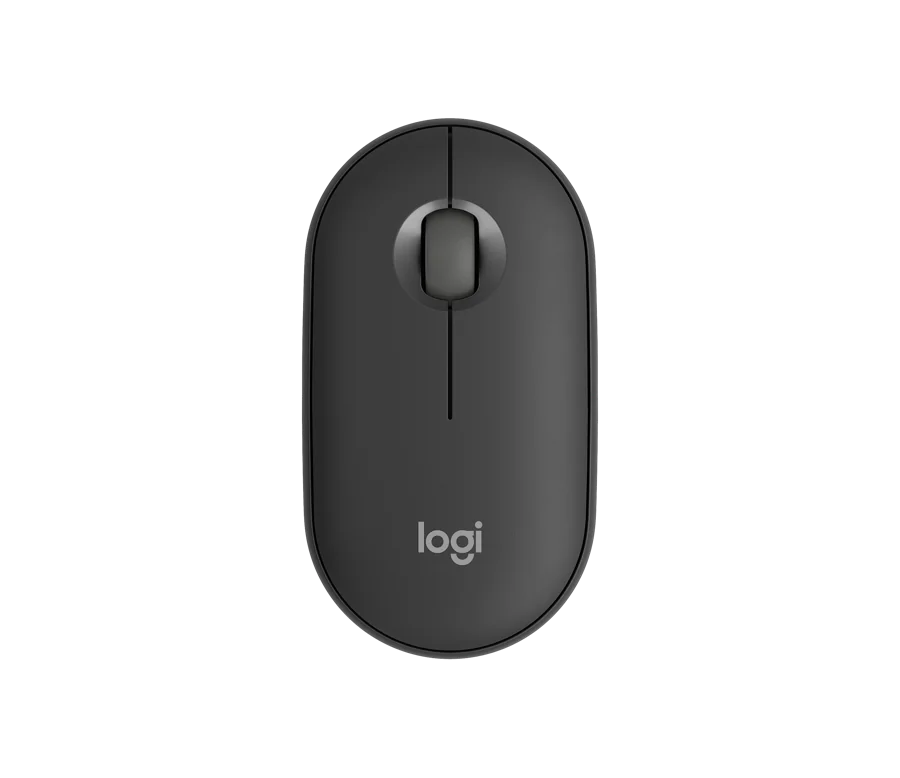
Logitech Pebble Mouse 2 M350s
For a $50 budget target: a compact pointer for a known Bluetooth-compatible setup.
As an Amazon Associate I earn from qualifying purchases. We may earn a commission from qualifying purchases through this button.
View exact product on Amazon ↗ (paid link)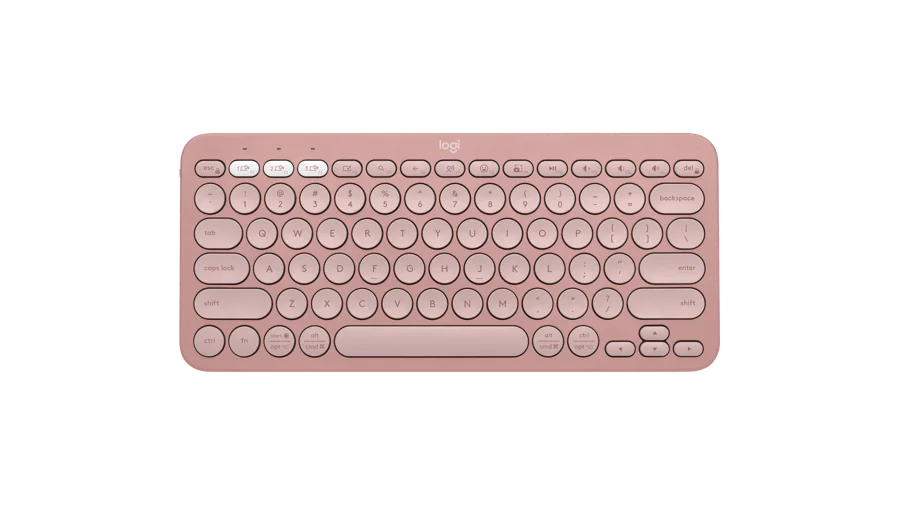
Logitech Pebble Keys 2 K380s
For a $50 budget target: a compact keyboard when the recipient likes this layout and does not need a number pad.
As an Amazon Associate I earn from qualifying purchases. We may earn a commission from qualifying purchases through this button.
View exact product on Amazon ↗ (paid link)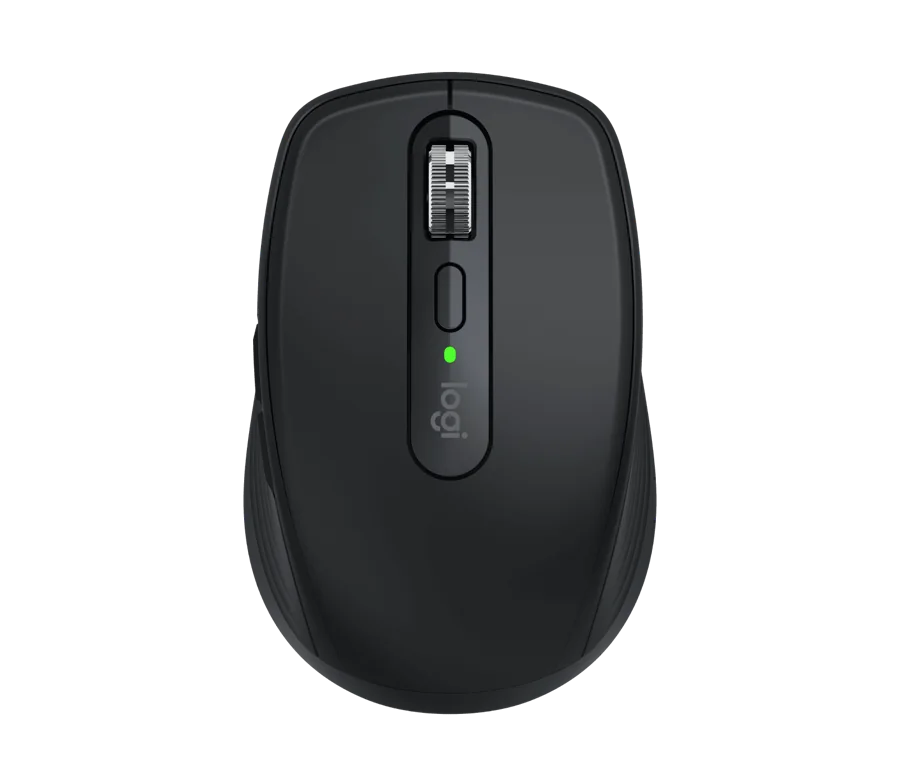
Logitech MX Anywhere 3S
A compact scrolling tool for someone who moves between working locations.
As an Amazon Associate I earn from qualifying purchases. We may earn a commission from qualifying purchases through this button.
View exact product on Amazon ↗ (paid link)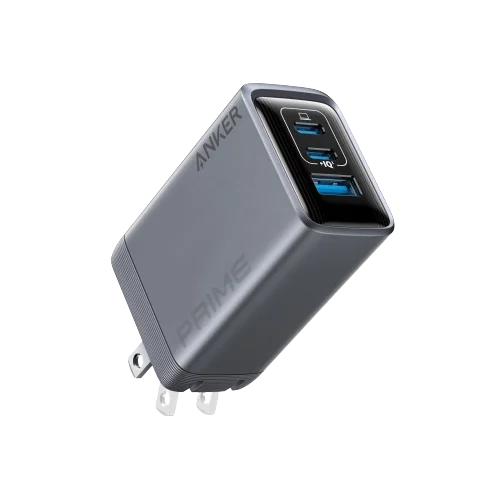
Anker Prime 100W three-port charger - A2688
One charging block for a known laptop, phone and accessory combination.
As an Amazon Associate I earn from qualifying purchases. We may earn a commission from qualifying purchases through this button.
View exact product on Amazon ↗ (paid link)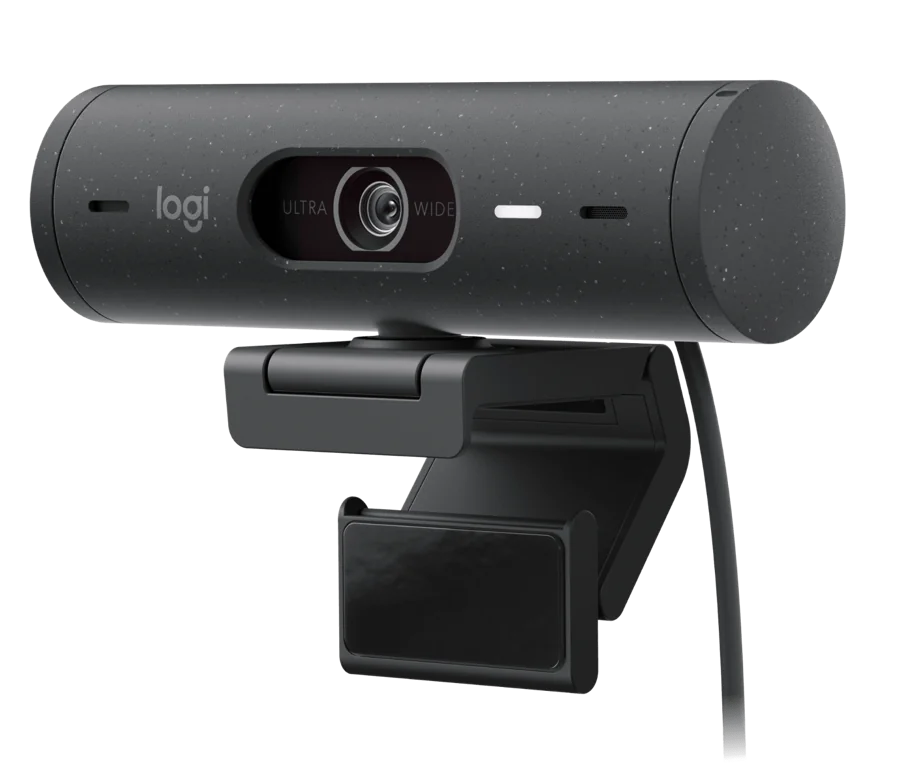
Logitech Brio 500
An external camera when a monitor-centered call setup needs better camera placement.
As an Amazon Associate I earn from qualifying purchases. We may earn a commission from qualifying purchases through this button.
View exact product on Amazon ↗ (paid link)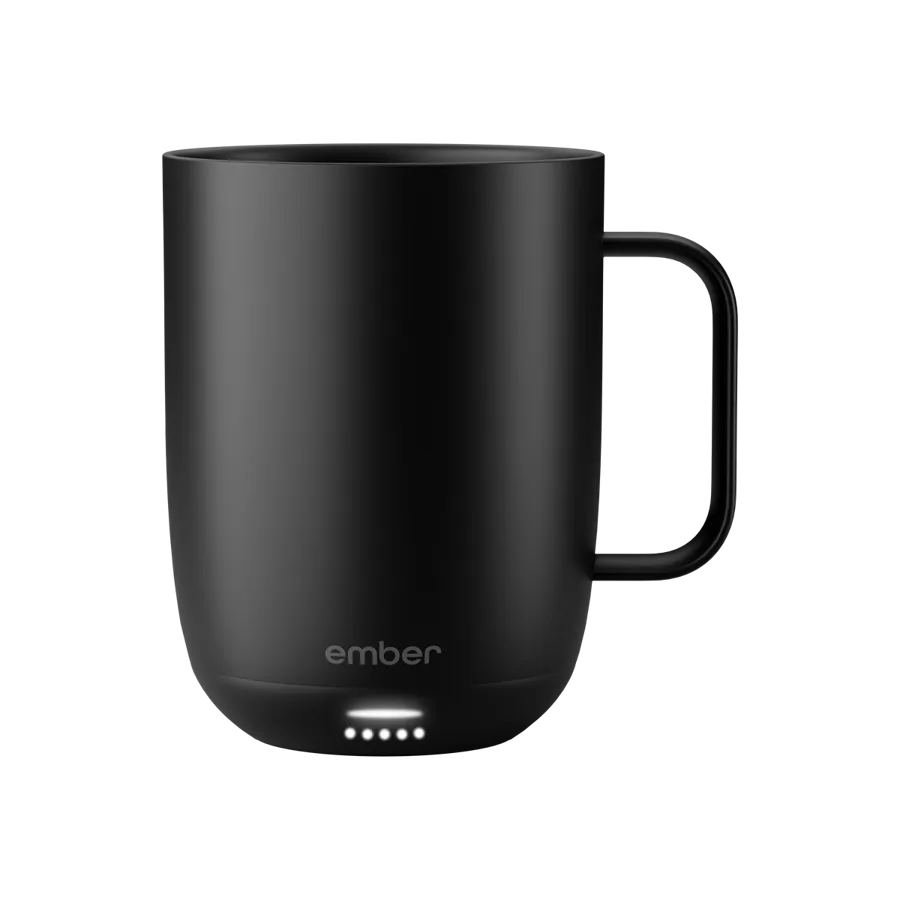
Ember Mug 3 - 14oz, Black
A desk-based gift for someone who would welcome a charging coaster and a warmer drink routine.
As an Amazon Associate I earn from qualifying purchases. We may earn a commission from qualifying purchases through this button.
View exact product on Amazon ↗ (paid link)