The considered selection
A portable SSD can hold an active project, carry a media library or become one part of a backup routine. Those are different jobs. Before buying, write down the size of the files, how often they move and which computer ports will handle them. A faster drive on the wrong connection can be an expensive way to do the same work.
This research-based shortlist separates everyday drives, faster-interface options and specialist formats. We have not benchmarked these products. Manufacturer speed figures are conditional ceilings, not sustained-transfer promises. Confirm the exact capacity and generation, and check current firmware or product-support notices before putting important work on a new drive.
How to use this list
- Match the host interface, cable and SSD; a USB-C shape alone does not establish speed.
- Choose capacity with room for growing projects and a separate backup copy.
- Check current firmware, warranty terms and the seller’s exact model reference.
The numbers organize ten distinct choices. They are not performance scores or Amazon sales ranks. Pick the item that solves your own problem; there is no need to buy the whole list.
Samsung T7 2TB
Consider it for: For an ordinary portable working library
The established T7 is a candidate when the job is carrying documents, photographs and project folders between compatible computers. Its role here is the conventional baseline against which more elaborate drives should justify themselves. Choose it around the capacity and connection you need, then make sure the filing routine is clear. A new drive will not organize an untidy working library by itself.
Evidence: manufacturer information ↗ · Research checked October 18, 2026
Samsung T7 Shield 4TB
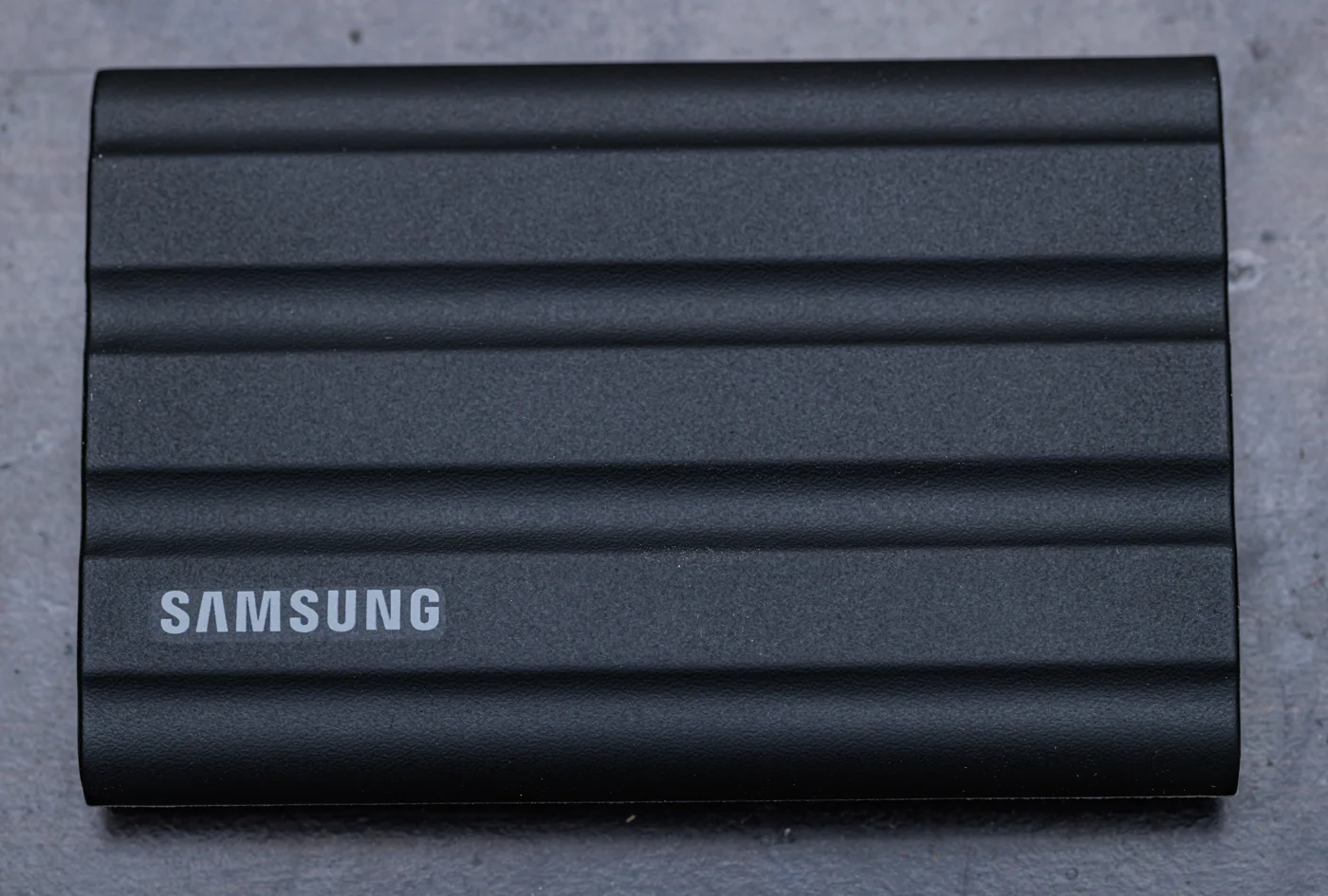

Consider it for: For a larger library that travels
The T7 Shield is a candidate for a reader who prefers its covered enclosure and needs a larger portable library. Consider it for active photographs or projects that leave the desk regularly. The buying question is whether the enclosure and capacity suit the way you carry work; do not mistake a more protective exterior for a guarantee against data loss or an excuse to skip backups.
Evidence: manufacturer information ↗ · Research checked October 18, 2026
Samsung T9 2TB
Consider it for: For a computer with USB 3.2 Gen 2x2
The T9 is the Samsung direction to investigate when the host supports its faster USB 3.2 Gen 2x2 interface. That qualification is the purchase. Look up the computer’s actual port specification instead of relying on the presence of USB-C or Thunderbolt branding. If the host cannot use the relevant mode, compare the price and capacity with a simpler drive before deciding.
Evidence: manufacturer information ↗ · Research checked October 18, 2026
Kingston XS1000 2TB
Consider it for: For a small everyday transfer drive
The XS1000 is a candidate for buyers whose first requirement is a compact place for files and backups. Its straightforward role is useful: it offers a comparison against paying for a faster interface you may never exploit. Inspect the included cable and adapter, then choose a location where the drive will not dangle awkwardly from a laptop during ordinary use.
Evidence: manufacturer information ↗ · Research checked October 18, 2026
Kingston XS2000 2TB
Consider it for: For a compact Gen 2x2 shortlist
The XS2000 is Kingston’s faster-interface direction to compare with the XS1000. Its compact format is appealing when the drive will travel, but the host port remains the decisive technical check. Choose it because your workflow and computer can use the interface, rather than assuming a larger advertised number will improve every small-file copy or application launch.
Evidence: manufacturer information ↗ · Research checked October 18, 2026
SanDisk Extreme Portable SSD 2TB, SDSSDE61
Consider it for: For a clearly identified travel-drive model
The Extreme Portable name spans products, making the reference more useful than the family label. This SDSSDE61 candidate is for a reader comparing portable enclosures and a conventional USB storage workflow. Look at the exact product-support page before purchase and before moving valuable material. Drive selection should include support history and firmware, not just the appearance of the case.
Evidence: manufacturer information ↗ · Research checked October 18, 2026
SanDisk Creator Phone SSD 1TB
Consider it for: For a supported phone-video workflow
The Creator Phone SSD is a specialist candidate when storage needs to accompany a phone during recording. It deserves attention because the physical arrangement matters: attaching a drive and routing a cable can change how you hold the camera. Confirm the phone, recording format and application first. A drive marketed around phones is still only one component of a complete supported recording setup.
Evidence: manufacturer information ↗ · Research checked October 18, 2026
OWC Envoy Pro Elektron 2TB
Consider it for: For a compact, enclosed working drive
The Envoy Pro Elektron is an established OWC candidate for people who want an enclosed portable drive and are comparing the practical design as well as the interface. Its useful role is a working companion to a compatible computer, not a speculative promise that all editing jobs will become faster. Consider cable length and where the drive sits during a normal work session.
Evidence: manufacturer information ↗ · Research checked October 18, 2026
OWC Express 1M2, populated 2TB
Consider it for: For a USB4 working-drive setup
The Express 1M2 is a candidate for a reader who understands the distinction between an enclosure and a complete drive. The populated version provides an assembled route; the bare enclosure is for someone supplying compatible storage. Compare this direction when the computer supports the relevant USB4 connection and large working files justify it. The broader enclosure also needs a sensible place on the desk.
Evidence: manufacturer information ↗ · Research checked October 18, 2026
CORSAIR EX400U 2TB, CSSD-EX400U2TB
Consider it for: For a supported USB4 or phone-storage arrangement
The EX400U is a candidate for buyers with a supported fast host and a reason to move larger files regularly. CORSAIR also describes a magnetic phone attachment, but computer and phone workflows should be evaluated separately. Check current firmware utilities and host requirements before purchase. The sensible comparison is the whole path from source files to destination, not a single advertised drive number.
Evidence: manufacturer information ↗ · Research checked October 18, 2026
The last word
A drive purchase should end with a verified copy, not merely a completed progress bar. Open a sample of important files after copying and retain the originals until the new copy is confirmed. For irreplaceable material, keep copies on independent devices or services rather than two folders on one SSD.
If the current drive already handles your workload, more capacity or a better backup routine may be a more valuable upgrade than another step in theoretical transfer speed.