
A portable SSD rated for 2,000MB/s can be functioning normally while your file-copy window shows a much smaller number. The advertised figure describes a particular kind of workload under specified conditions. Your transfer also involves a source drive, a host port, a cable, a destination and software handling the files.
Before buying a replacement, identify which part of that chain is limiting the task. A better cable or a direct connection can be more useful than another drive. This is a troubleshooting and buying guide based on manufacturer documentation; the examples below are published specifications, not our own benchmark results.
First, separate bits from bytes
USB interfaces are usually described in gigabits per second, written Gbps. Storage transfer rates are commonly described in megabytes per second, written MB/s. There are eight bits in a byte, and the connection also carries protocol overhead. Dividing an interface's headline rate by eight gives an arithmetic ceiling, not a guaranteed file-copy result.
A 10Gbps connection therefore cannot deliver the full advertised performance of a drive that needs a 20Gbps connection to reach its maximum. Seagate's support guide explains interface limits and why changing file sizes can change the rate during a transfer. Seagate's external-drive performance guide.
The T7 Shield and T9 illustrate the difference
Swipe or scroll the table sideways to compare every column.
| Drive example | Published interface | Published sequential maximum | Buying implication |
|---|---|---|---|
| Samsung T7 Shield | USB 3.2 Gen 2, 10Gbps | Up to 1,050MB/s read and 1,000MB/s write | Match it to a supported 10Gbps connection |
| Samsung T9 | USB 3.2 Gen 2x2, 20Gbps | Up to 2,000MB/s sequential read/write, subject to configuration | Confirm explicit Gen 2x2 support before paying for the headline speed |
Samsung lists these product families separately in its buying guide. Capacity, physical design, environmental ratings and warranty should also be compared; the larger speed number is only one characteristic. Samsung's storage buying guide, T7 Shield specifications.
For the T9's maximum speed, Samsung requires the host and connecting cable to support USB 3.2 Gen 2x2, with UASP enabled. Do not assume that a 40Gbps Thunderbolt port supports every intermediate USB mode at its full rate. Check the computer's exact USB specification, especially when shopping for a Mac. Samsung T9 requirements.
Check the port and cable together
Start with the supplied data cable connected directly to the computer. A charging cable that fits the socket may carry data at a much lower rate. Adapters, front-panel sockets and monitor hubs can introduce another link whose specification differs from the computer's fastest port.
Look up the actual port in the computer manual. On a Mac, Apple's port-identification guide helps distinguish connectors and their uses, but the individual model's technical specifications remain important. Apple's port guide.
If a direct connection improves the result, restore the dock or hub and repeat the same task. Keep everything else unchanged. This tells you more than buying several accessories and then trying to guess which one helped.
Large files and small files are different jobs
Copying one large video is different from copying a folder containing thousands of documents, thumbnails and application resources. Each small file brings additional filesystem work. A sequential benchmark and a folder backup can therefore tell different stories about the same drive.
Use a representative project when deciding whether the drive is fast enough. A photographer might time an actual card import and export. An editor might transfer one large source clip and then a project containing many assets. Save the file count, total size, source location and elapsed time alongside the result so that the next comparison means something.
Remember the source. A fast external destination cannot read files from a slow source faster than that source can supply them. Copying from a network location or downloading from cloud storage introduces additional limits.
Why a transfer starts fast and slows down
Some SSDs absorb incoming writes in a faster cache before moving data into their longer-term storage arrangement. A long transfer can expose a lower sustained rate after that cache fills. The details vary by model, capacity, workload and available space; do not assign one cache size or minimum speed to an entire product category.
Seagate describes this behavior in its external-SSD support guidance and recommends allowing the drive time, connected and powered, to finish its internal optimization after a large transfer. That is a diagnostic possibility, not proof that every slowdown is a full cache. External-SSD write performance.
Heat and background work deserve a check
Keep the drive in an open location rather than under a laptop or inside a padded case during sustained transfers. Thermal control can affect performance. Samsung's T9 documentation discusses thermal management and explains that measured performance varies with the host, cable and environment. A case feeling warm is not, by itself, evidence of a defect. T9 technical data.
Pause unrelated large transfers and note whether backup, indexing or security software is active. Update supported firmware through the manufacturer's documented utility after ensuring you have a current backup. Avoid destructive troubleshooting, reformatting or changing write-cache policies simply to chase a benchmark number.
A repeatable five-step check
- Back up important files, then record the drive model, capacity and free space.
- Connect directly using the supplied cable and a documented compatible port.
- Copy a known large file from a sufficiently fast local source and time the complete operation.
- Repeat with a representative folder, then compare the docked connection separately.
- If errors, disconnects or unexplained poor results persist, contact manufacturer support with those details.
For a new purchase, choose around the connection you own and the work you do. A T7 Shield can be a sensible match for a 10Gbps workflow. A T9's faster advertised ceiling matters when the complete chain supports it. Buy the model and capacity shown beside the affiliate button, and evaluate progress in minutes saved on real work.
Explore the options
Exact product examples for the choices discussed in this guide. Confirm the selected variant, current seller and return terms before ordering.
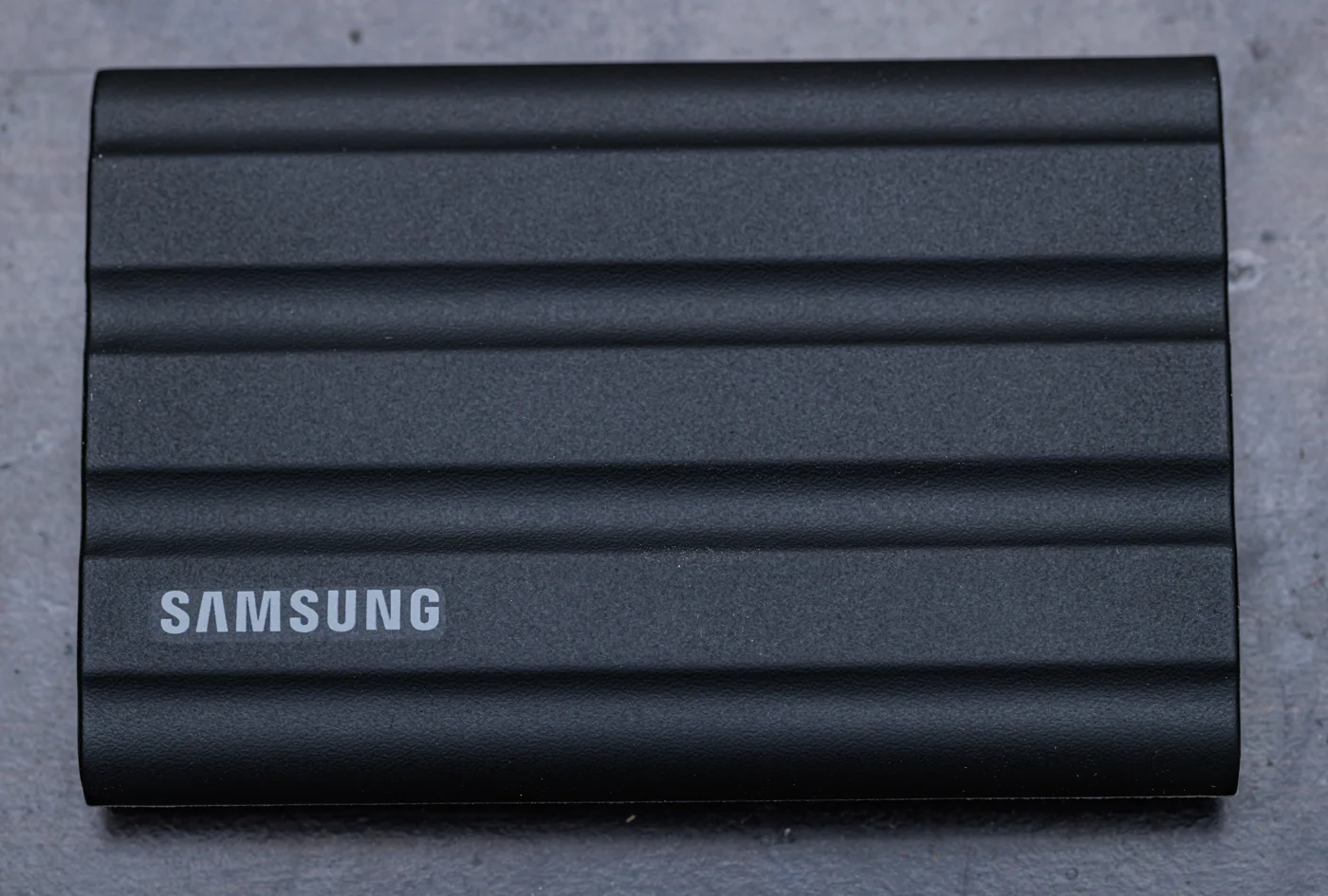

Samsung T7 Shield — 4TB
A USB 10Gbps family example for comparing the host, cable and workload before blaming the drive.
As an Amazon Associate I earn from qualifying purchases. We may earn a commission from qualifying purchases through this button.
View exact product on Amazon ↗ (paid link)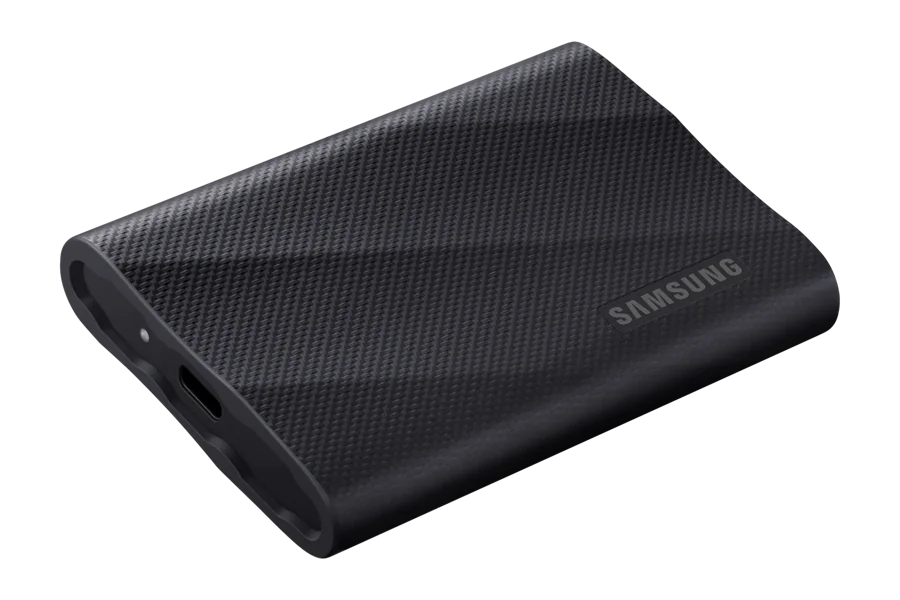
Samsung T9 — 2TB
A USB 20Gbps example that needs compatible Gen 2×2 support to approach its advertised interface potential.
As an Amazon Associate I earn from qualifying purchases. We may earn a commission from qualifying purchases through this button.
View exact product on Amazon ↗ (paid link)