Compact Home Office Upgrades: Make a Small Desk Work Better
Recover clear space, simplify connections and choose five compact tools around the way you actually work.

A useful office starts with the workday. Find compact upgrades, understand the connections and compare the equipment that deserves a place on your desk.
Three ways into the edit.
Recover clear space, simplify connections and choose five compact tools around the way you actually work.
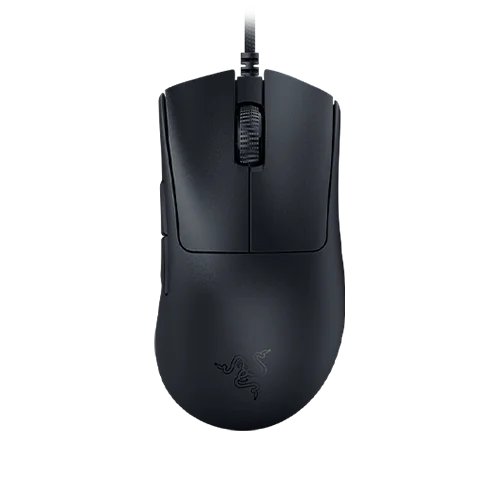
Charging, input, organization, and a little automation can improve a workspace—when they fit the equipment already there.
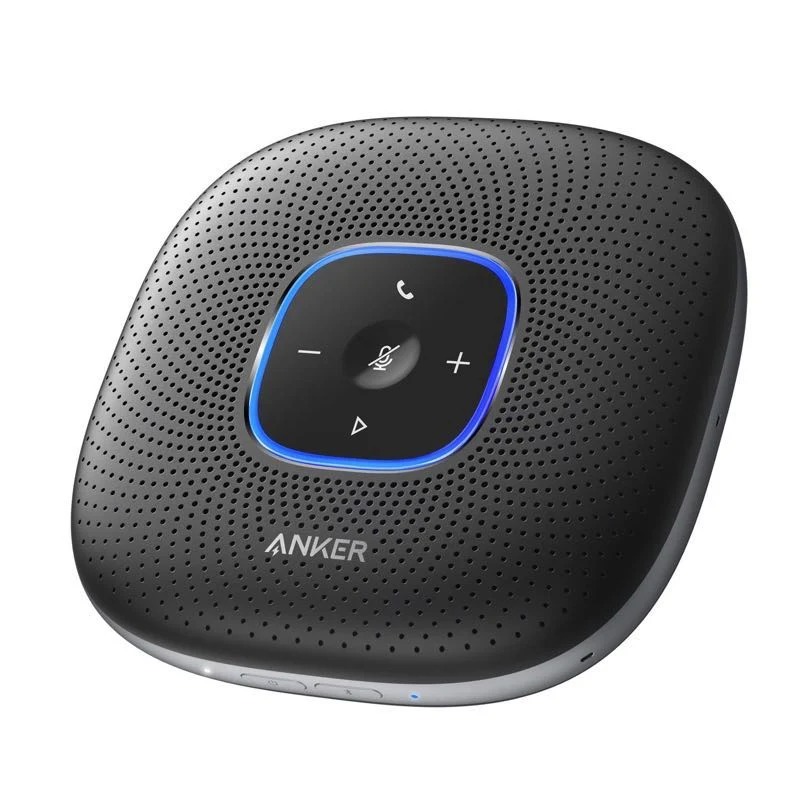
Anker PowerConf A3301 buying notes and setup: USB versus Bluetooth, microphone and speaker selection, shared-office tradeoffs and AI dictation limits.
A home office is a connected system of space, computer, peripherals and habits. Buying the most impressive object is less useful than fixing the thing that repeatedly interrupts your work. Start with a normal day and follow the relevant route.
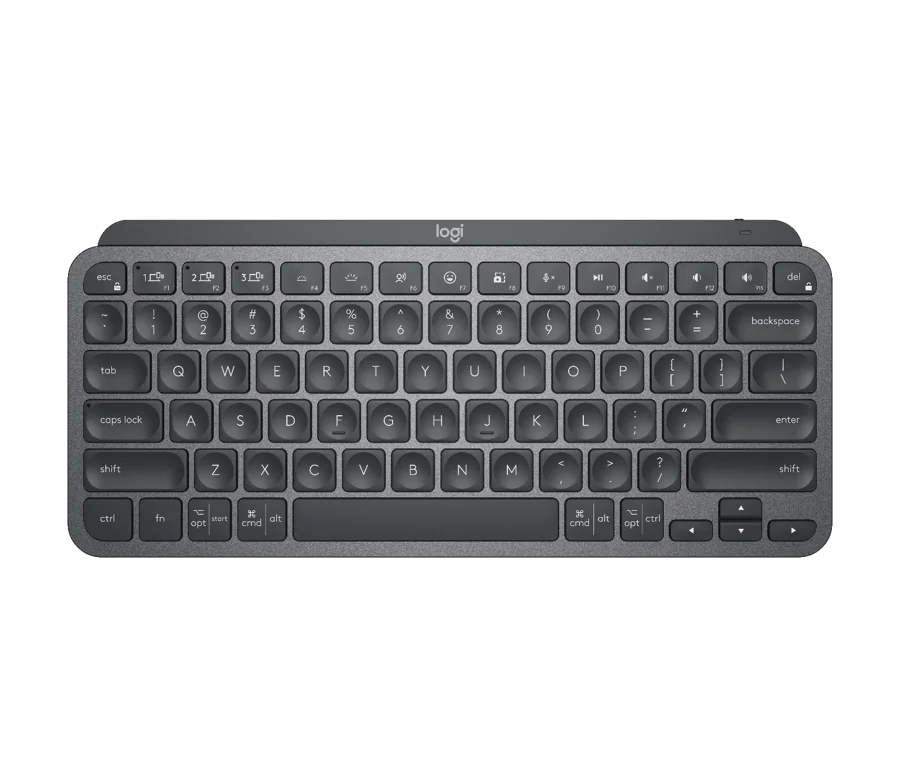
Measure the usable surface and identify what must remain within reach. A smaller keyboard, different monitor arrangement or simpler cable route may help, but compare the full setup—including stands and power supplies—before adding another object.
Plan a compact workspace →List the exact computer, ports, displays and peripherals you reconnect. Check whether a hub, dock or a better cable solves that list. Confirm the host’s capabilities before paying for a feature printed on the accessory box.
Decide between a dock and hub →Separate microphone quality from the transcription service and storage capacity from a backup plan. Try the existing equipment in a better arrangement first. Buy for the remaining task, then evaluate it during a permitted return window.
Choose office audio around the task →Choose the next useful change, rather than a desk full of new objects.
Check the feel, ports and host compatibility.
Understand what the hardware and its software each provide.
Practical storage, computer and gift decisions.
Our stories distinguish published specifications from personal experience. Read our editorial approach or explore the full magazine.