
Local processing is a workflow, not a sticker
Asking AI about your own documents can be more useful than asking it for general advice. The hard questions are where the files are processed, which parts the model sees and whether you can verify its answer. Buying a computer with more memory does not settle any of those questions by itself.
Start with a small, non-sensitive document and an explicit task: find the cancellation date, compare two requirements or identify a missing section. This gives you a way to assess the system before placing trust in a fluent answer. The goal is a checkable document assistant, not merely a convincing conversation.
Understand retrieval before buying more memory
LM Studio supports attaching DOCX, PDF and text documents. Its documentation distinguishes placing a sufficiently short document in the model’s context from retrieving relevant portions of a longer document. Retrieval is a selection process: the model may not receive every passage for every question. LM Studio’s document guide.
A useful first test is to ask about a detail you already know is present, then ask something the document does not answer. Compare both responses with the source. If the assistant confidently supplies a missing fact, a larger hardware budget is not the first remedy. Review the retrieval, question and verification process.
Check what stays on the computer
LM Studio states that its downloaded-model chat and document-processing functions can operate offline. Downloading models, obtaining runtimes and checking updates are separate activities that can require connectivity. That description applies to its documented local functions; it does not establish the behavior of every extension, connected tool or alternative cloud model. LM Studio’s offline-operation documentation.
For a trial, prepare the application and model, disable optional external integrations, disconnect the network and test the intended document task. This is a practical check of that configuration, not a full security audit. Also establish where chats, indexes and documents are stored and whether those folders are backed up or synchronized elsewhere.
Swipe or scroll the table sideways to compare every column.
| Question | A useful test | What success does not prove |
|---|---|---|
| Can it find a known clause? | Compare its answer with the source passage | That it examined every clause |
| Can it admit missing information? | Ask a question the file cannot answer | That all future answers will be correct |
| Does the intended task work offline? | Test after downloading the required components | That every optional integration is local |
| Is the output usable? | Check citations and wording against the original | That a polished answer is authoritative |
Treat document text as evidence, not instructions
A document can contain hostile or misleading instructions alongside ordinary content. OWASP’s retrieval-security guidance addresses this broader pipeline, including ingestion, retrieval and downstream actions. Local execution does not make an untrusted document trustworthy. OWASP’s RAG security guide.
For an initial personal workflow, keep the assistant’s task narrow and avoid connecting it to email sending, file deletion or other consequential actions. Review answers yourself before using them. Sensitive business, legal or medical material may have additional organizational requirements; a successful home demonstration does not establish permission to process it.
Size the hardware after the trial
Use our memory guide to estimate the model, context and ordinary application headroom. Then test the actual documents and response time you need. Record what failed: an unsupported file, poor retrieval, an incorrect answer or insufficient memory are different problems.
The Mac mini configuration below is an existing compact-computer example, not a certified private-document system or a benchmark result. Begin with suitable hardware you already own. Upgrade when the trial reveals a specific resource constraint and the proposed machine addresses it; do not buy extra memory to solve an undefined trust problem.
Explore the options
A compact-computer configuration example after you have tested the workflow. The hardware does not itself certify document privacy or accuracy.
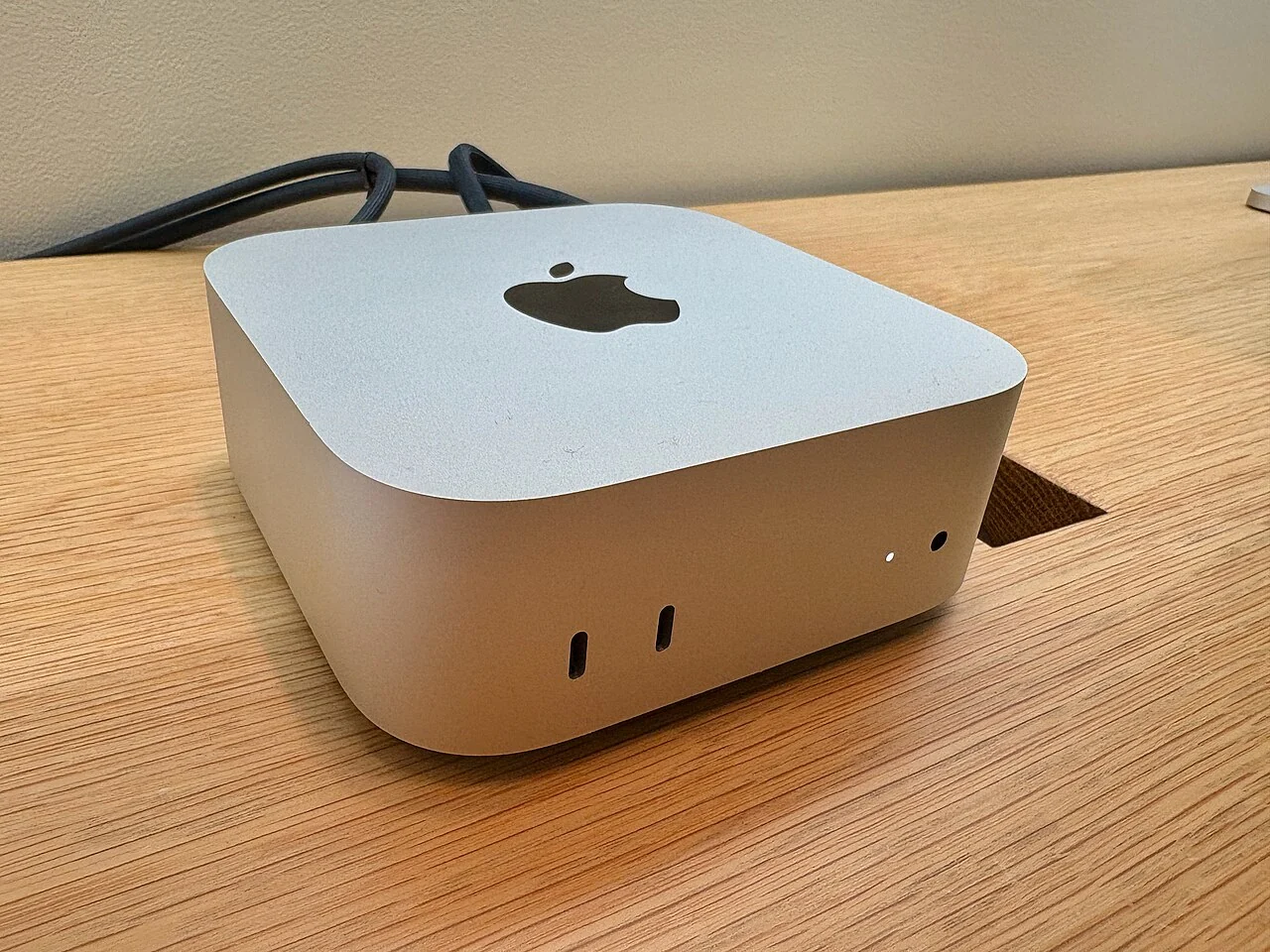

Apple Mac mini M4 Pro — 24GB / 512GB
A compact desktop configuration to compare after sizing your local model.
As an Amazon Associate I earn from qualifying purchases. We may earn a commission from qualifying purchases through this button.
Check price & availability on Amazon ↗ (paid link)