
First separate the picture from the power
A portable monitor needs a video signal and electrical power. A single USB-C connection may supply both when the computer, cable and display support that arrangement. An HDMI connection normally solves the video side while the display still needs its specified power connection. Counting sockets is less useful than drawing those two paths.
That distinction matters for the Acer PM191Q Ebmiuux already in the Editor’s purchase notebook. Acer’s exact US model page lists two USB-C ports and one HDMI 1.4 connection. Those sockets do not, on their own, establish what a particular laptop can send or how a different regional package is supplied. Acer PM191Q Ebmiuux specifications.
Start with the supplied connection
Acer’s PM1 setup guidance recommends the supplied USB-C transmission cable for a compatible computer connection and describes a separate power connection when using HDMI. Its family-level instructions refer to mini HDMI, while the exact model specification uses HDMI terminology. Check the physical connector and the manual for your precise model before buying an adapter. Do not order a cable solely from a photograph of a related PM1 screen. Acer’s PM1 setup guidance.
For a first setup, keep the chain short: the computer, the display, the appropriate supplied cables and the specified power source. Add a dock only after the direct connection works. This gives you a known baseline when something stops working later.
Swipe or scroll the table sideways to compare every column.
| Symptom | First useful check | Avoid this assumption |
|---|---|---|
| Screen stays dark | Display power, input selection and supported computer output | Every USB-C port carries video |
| HDMI picture connection but no screen | The monitor’s separate power instructions | HDMI supplies the monitor’s operating power |
| Works directly but not through a hub | Hub display support and the complete connection path | An extra socket adds another supported display |
| Picture works but desktop repeats | Operating-system display mode | A mirrored image means the cable is defective |
USB-C is not a promise of video
Check the laptop’s specifications for its display-output support. The presence of the connector alone is insufficient. The same caution applies to a replacement cable: a cable sold primarily for charging may have a very different data or display specification. Read our separate cable guide before treating a high wattage number as a monitor claim.
An external display also counts toward the computer’s supported display configuration. For example, Apple documents model-specific limits rather than one universal rule for every MacBook Air. If you already use another external screen, establish the computer’s limit before buying a second portable panel. Apple’s MacBook Air display guidance.
Decide whether the size belongs in your bag
The PM191Q’s 18.5-inch panel is a different proposition from a small auxiliary screen. Measure the exterior against your actual bag, allow room for protection and cables, and check the depth of the table where it will stand. A screen that moves between rooms may be useful even if it is not the right choice for frequent lightweight travel.
Before the return window closes, try your ordinary two-window task: a source document beside a draft, or a spreadsheet beside a call. Judge text at your preferred viewing distance and confirm the stand arrangement works in the intended space. These are suggested buyer checks; we have not performed them as a comparative test.
Buy the complete working setup
The useful cost is the screen plus anything genuinely missing from the connection. Check the exact regional package before ordering duplicate cables or a charger. Our existing PM191Q article explains the published display specifications; this guide addresses setup. The Editor’s ownership does not substitute for measured brightness, color accuracy or long-term reliability results.
Explore the options
Compare the exact screen only after establishing the complete power and video path.
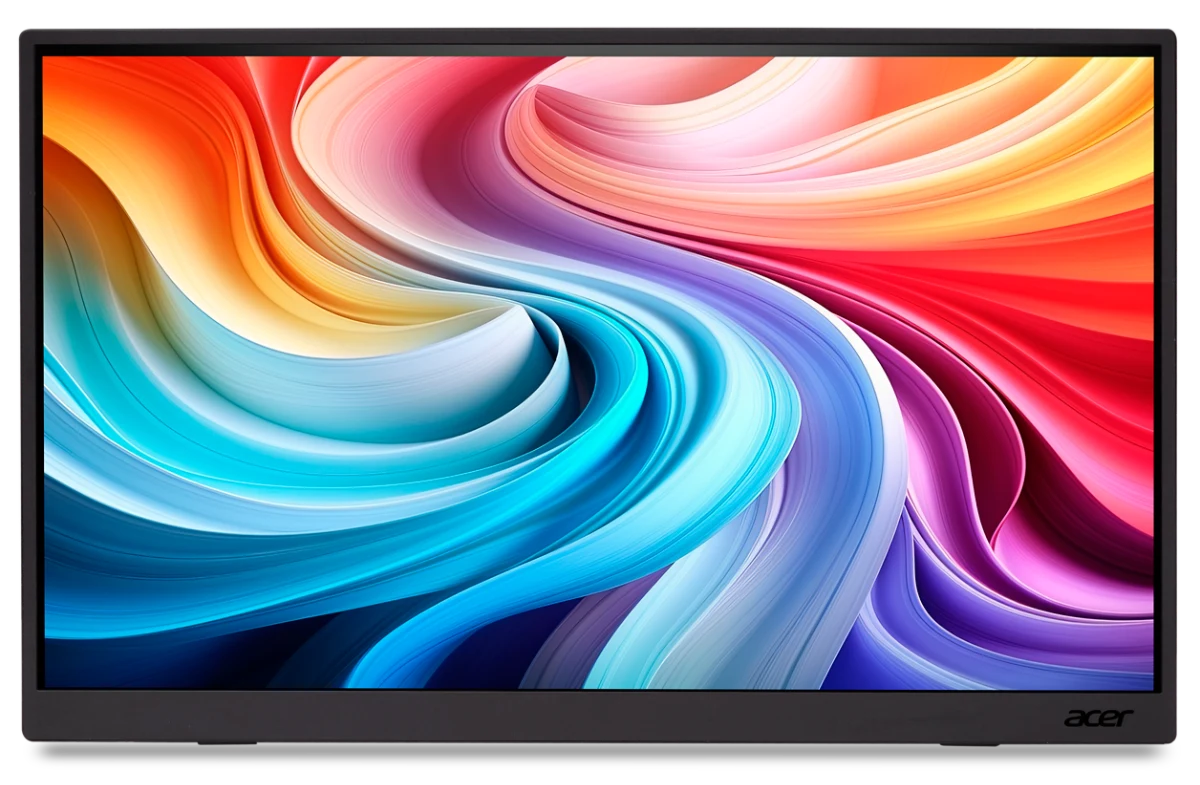
Acer PM191Q Ebmiuux portable monitor
An existing 18.5-inch screen example for comparing a movable desk setup.
As an Amazon Associate I earn from qualifying purchases. We may earn a commission from qualifying purchases through this button.
Check price & availability on Amazon ↗ (paid link)