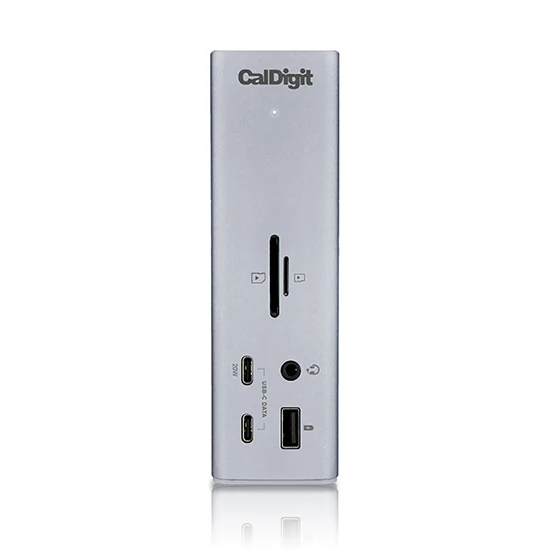
Photo: CalDigit TS4 Thunderbolt 4 dock · CalDigit · Manufacturer image
The working desk / The ten
10 USB-C desk upgrades that earn their space
Start with the friction in your working day, then choose the connection that removes it.

Useful shortlists, organized around the way you work, travel and live. Read the reasons. Choose what earns its place.
Photo: CalDigit TS4 Thunderbolt 4 dock · CalDigit · Manufacturer image
Start with the friction in your working day, then choose the connection that removes it.
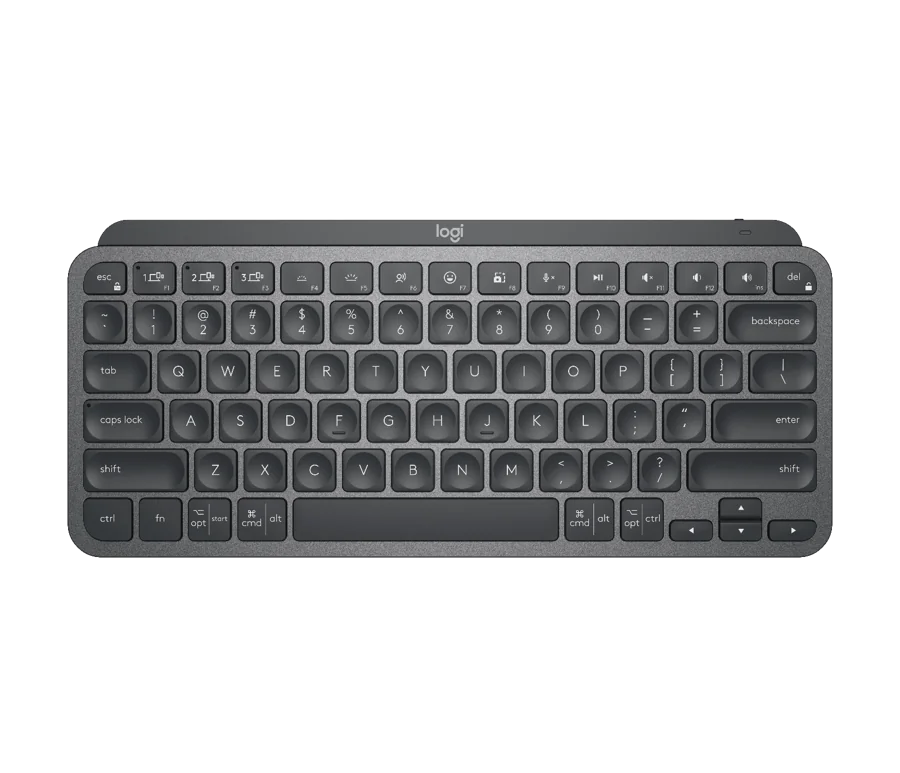
Photo: Logitech MX Keys Mini · Logitech · Manufacturer image
A smaller keyboard should preserve the keys and habits you actually need.
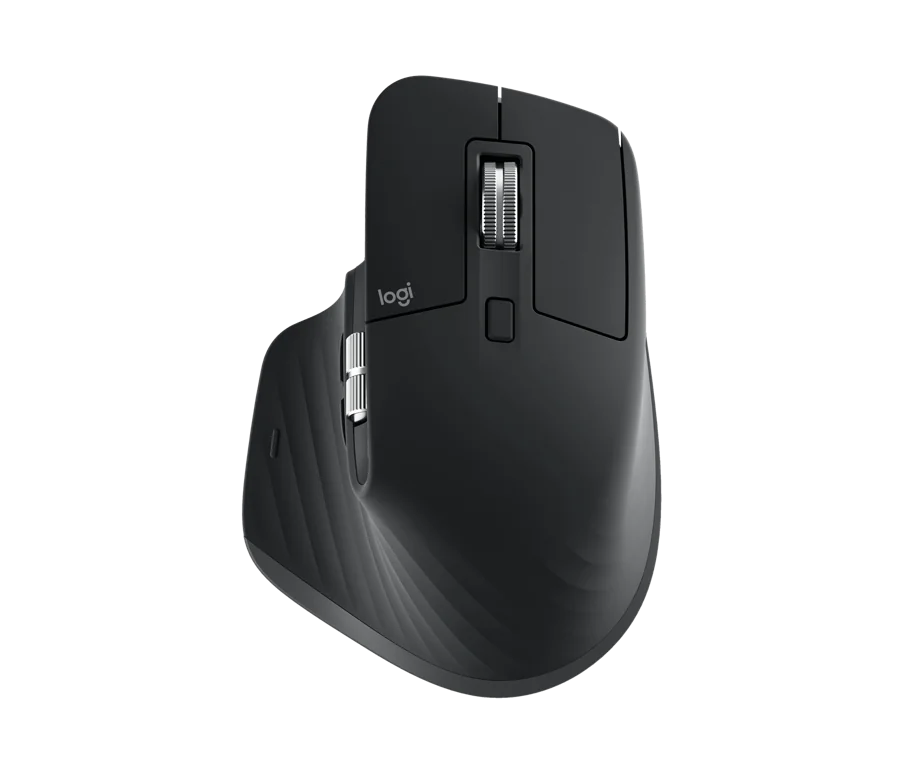
Photo: Logitech MX Master 3S · Logitech · Manufacturer image
Desktop controls for travel bags, gesture users, gaming desks and limited space.
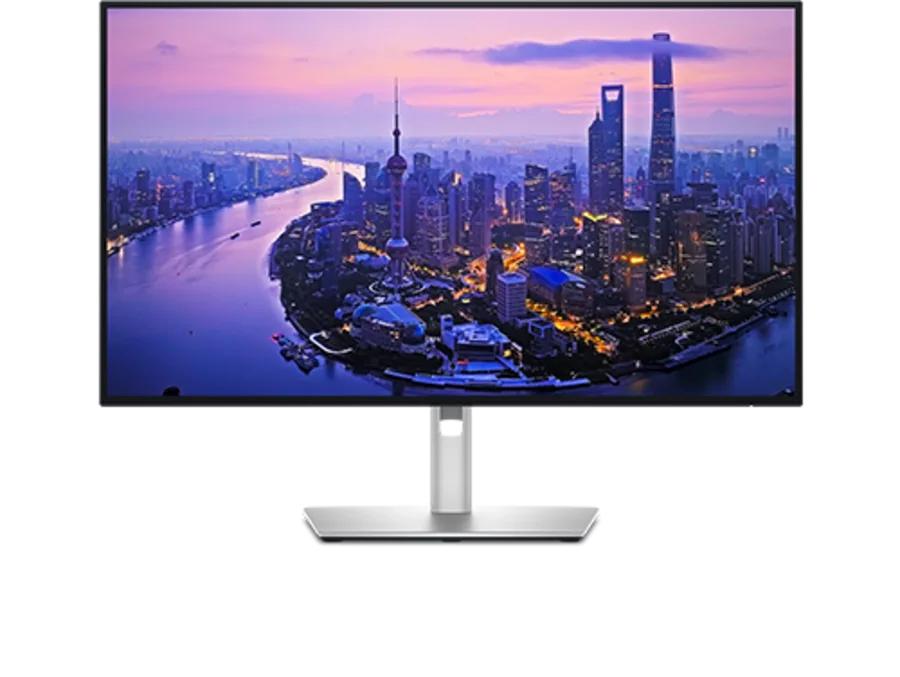
Photo: Dell UltraSharp U2725QE · Dell · Manufacturer image
Choose the workspace, resolution and connections before chasing a larger screen.
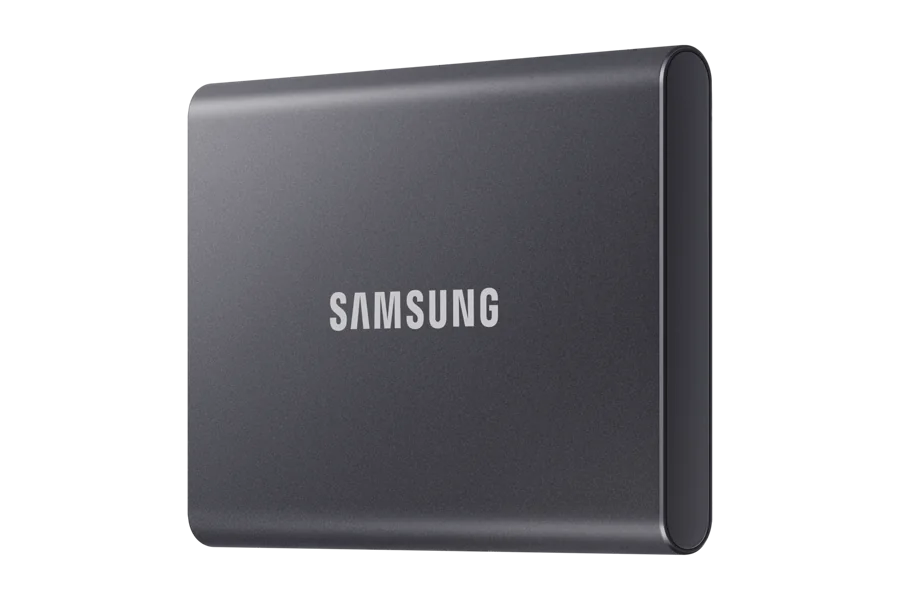
Photo: Samsung T7 2TB · Samsung · Manufacturer image
Capacity, interface and backup discipline matter more than a headline transfer rate.
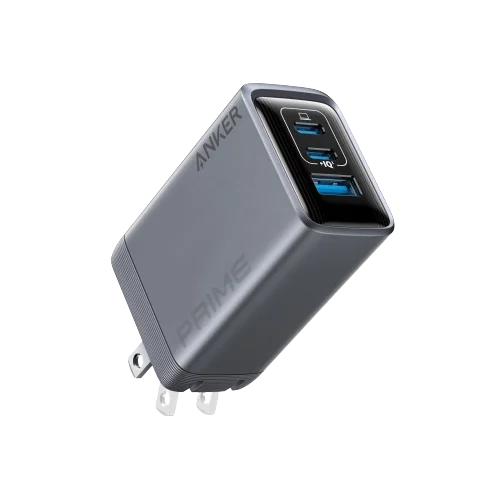
Photo: Anker Prime Charger 100W, 3 Ports, A2688 · Anker · Manufacturer image
Build a charging kit with a clear role for each item.

Photo: Casio AE-1200WH-1AV · Casio · Manufacturer image
Build around different wearing occasions, not ten versions of the same idea.
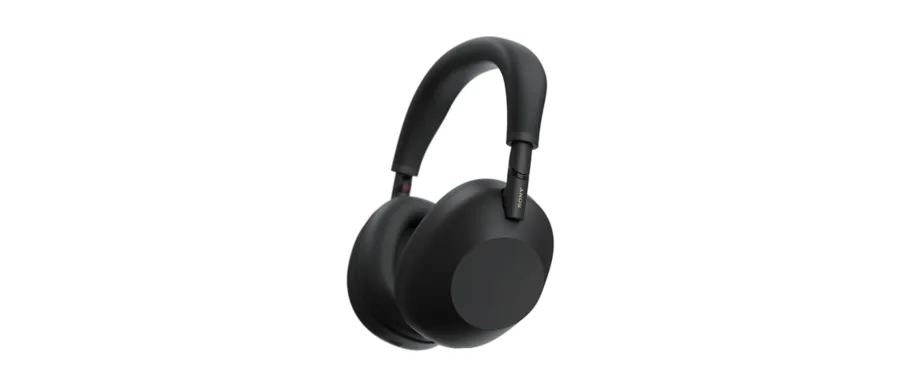
Photo: Sony WH-1000XM6 · Sony · Manufacturer image
Choose the listening arrangement before deciding which features deserve your money.

Photo: eero 7 · eero · Manufacturer image
A faster-looking router is useful only when it addresses the actual bottleneck.

Photo: iFixit Pro Tech Toolkit · iFixit · Manufacturer image
Useful tools, a little desk pleasure, and fewer guesses about compatibility.