
The laptop buying guide: choose by the work you do
Five buyer categories, the configurations to compare, and the details behind an apparently good deal.

Find the right laptop, plan a local AI setup or improve the computer you already own. Start with the workload and follow the details that affect everyday use.
Three ways into the edit.
Five buyer categories, the configurations to compare, and the details behind an apparently good deal.
A practical way to decide whether extra laptop memory buys useful headroom or an unused specification.
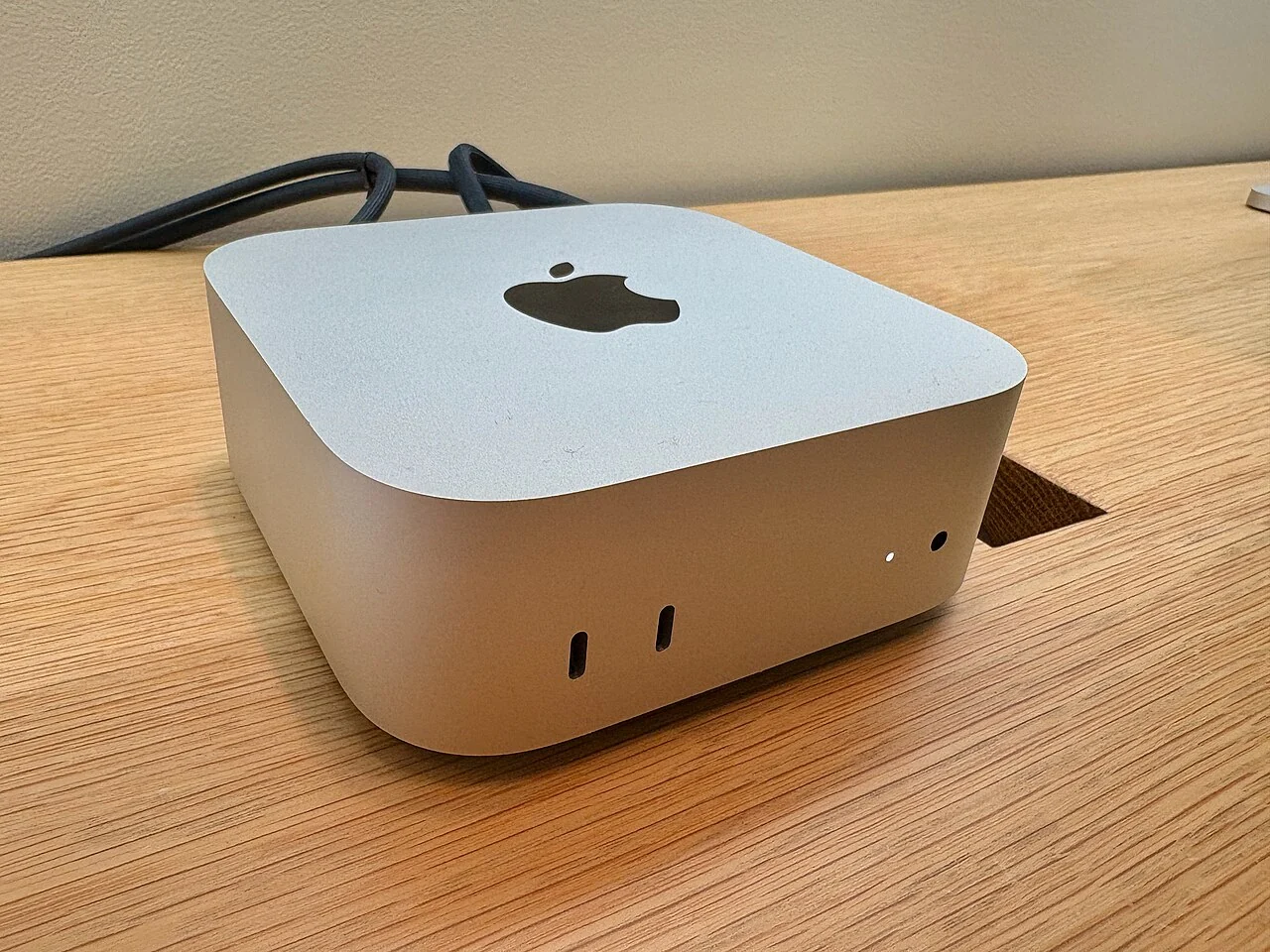
Two ways to build a home AI machine, and the questions that should decide between them.
Choose a computer around the applications you must run, then improve the parts of the setup that interrupt ordinary work. Our edits separate capacity, connection, layout and ownership decisions so that a new accessory has a clear job.
Start with essential software, peripherals and displays. Compare complete configurations and ownership terms before a headline discount. An older machine deserves consideration when it already meets the requirement.
Compare five buyer categories →Separate usable storage from backup. Identify the host connection and the files you move, then use the SSD worksheet to choose a portable drive for that task.
Choose a portable SSD →Audit the keys you use, the pointer movement you prefer and the devices you reconnect. Follow the keyboard and pointing-device edits in the reading paths below before choosing the remaining desk connections.
Find the connection that interrupts your day →Compare platforms, memory and the value of an earlier model.
Match the model and workload to the machine.
Check compatibility before adding storage, displays and ports.
Useful peripherals, home networking and the decision to keep or replace.
Our stories distinguish published specifications from personal experience. Read our editorial approach or explore the full magazine.