
ChatGPT vs Gemini vs Claude vs Grok vs Kimi: Which AI Is Best for Your Work?
Five assistants, five reasons to try them—and a practical way to decide which deserves your subscription.

Choose the service, workflow or hardware around a real task. Explore the tradeoffs, understand the ongoing costs and find the questions to ask before signing up.
Three ways into the edit.
Five assistants, five reasons to try them—and a practical way to decide which deserves your subscription.

Compare the same workflow, the real billing units and the work of putting a failed automation right.
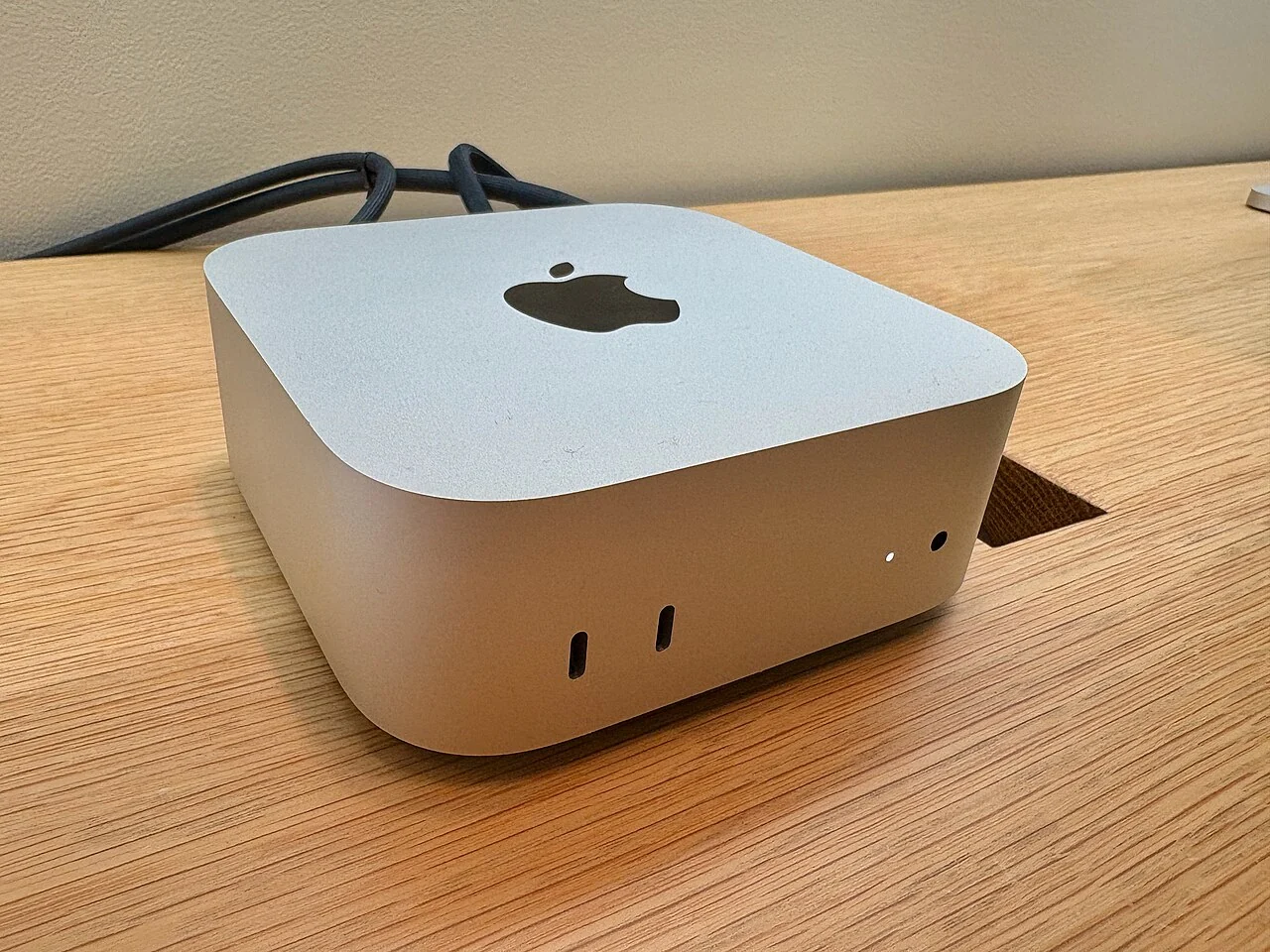
A practical route from trying a local model on the computer you own to choosing a Mac or a dedicated-GPU desktop.
A useful AI purchase starts with a task you can describe and an output you can check. Separate a subscription, an automated workflow and a computer upgrade: each solves a different constraint. Follow the route that matches your next decision.
Use the same permitted inputs, define a pass and record correction time. Compare finished work rather than accepting a confident answer or a larger plan name as evidence. Keep a second subscription only when its distinct role earns the cost.
Run the five-assignment audition →A chatbot, automation or training video needs an owner, reliable source material and an acceptance check. Establish who maintains it and how errors reach a person before connecting more tools.
Plan the handover →Try the model on supported equipment you already own. Record whether the constraint is memory, waiting time or output quality, then compare an upgrade against that precise problem.
Write the hardware purchase brief →Compare the job each service does, then visit the provider directory.
Start with the process, ownership and information you need to connect.
Understand memory, graphics hardware and offline limits before buying.
Compare recording tools and what happens after the recording.
Our stories distinguish published specifications from personal experience. Read our editorial approach or explore the full magazine.